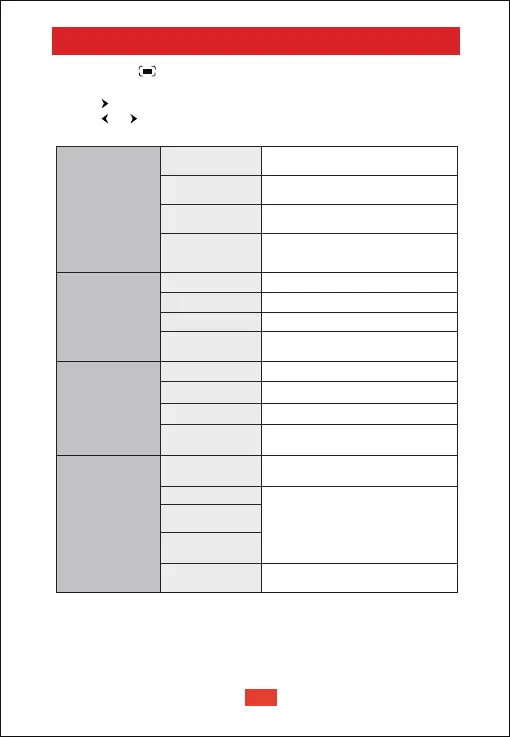
Long-press the button to pop up the shortcut menu
• Press navigation button to select the option
• Press button to go to the next page
• Press or button to adjust parameter
• Press "OK" button to save
Shortcut Menu
Image Mode
Color Temp
Sound Mode
Projection Setting
Standard
Keeps natural looking colors with
a balance of warm and cool tones
Provides more picture details and
color sharpness
Provides warm colors with
lower light
Provides cold color temp
Provides cold normal temp
Provides cold warm temp
Provides standard tones
Provides more detailed tone
Provides home theater-style sound
Manually set the sound of each
frequency band
Zoom in or out of the
projection image
Perform keystone correction
Reset keystone correction
Manually set the Red,
Green and Blue
Manually set the Brightness,
contrast, Saturation, Sharpness
and Hue
Light
Soft
Personal
Cold
Normal
Warm
Personal
Standard
Music
Movie
Personal
Zoom In/Out
Vertical Correction
Horizontal
Correction
Four Point
Correction
Keystone
Correction Reset
EN
13



 To Next Page