16
1. Press 8 1 0.
2. Within 3 seconds, press the AM enter button (10).
NOTE: Regardless of what type of station is currently tuned (AM,
FM or SW), direct frequency entry can be used to enter any type of
frequency.
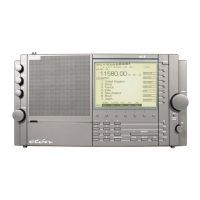
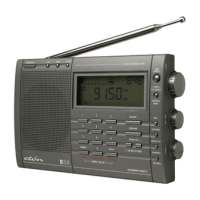
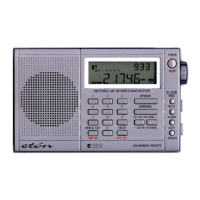
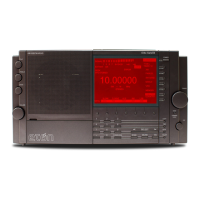
AUTO-SCAN TUNING (6)
Auto-scan tuning starts by pressing either the (up frequency) or
(down frequency) button for about 2 seconds. The E-5 has 3
selectable auto-scan modes: STOP, ATS or D-5. These are described
below. Tuning steps are 100 kHz FM, 9/10 kHz AM and 5 kHz SW.
Auto scan tuning remains in the selected band, AM, FM or shortwave
meter band.
STOP: Auto-scanning stops on the next encountered station.
D-5: Auto-scanning stops for 5 seconds on each next encountered
station, then moves on.
ATS: (Auto Tuning Storage): Auto-scanning automatically stores the
strongest FM local stations This feature is describe more thoroughly
in a later section of the manual titled USING THE ATS MEMORY
FEATURE.
To select an auto-scan mode:
1. Hold down the F6 button for about 2 seconds, then release. Note
that the last chosen mode ashes in the screen.
2. While the mode ashes, perform quick, short presses of the F6
button to select alternate modes.
5 BASIC RADIO OPERATION continued
E5 OWNER’S MANUAL


 To Next Page