29
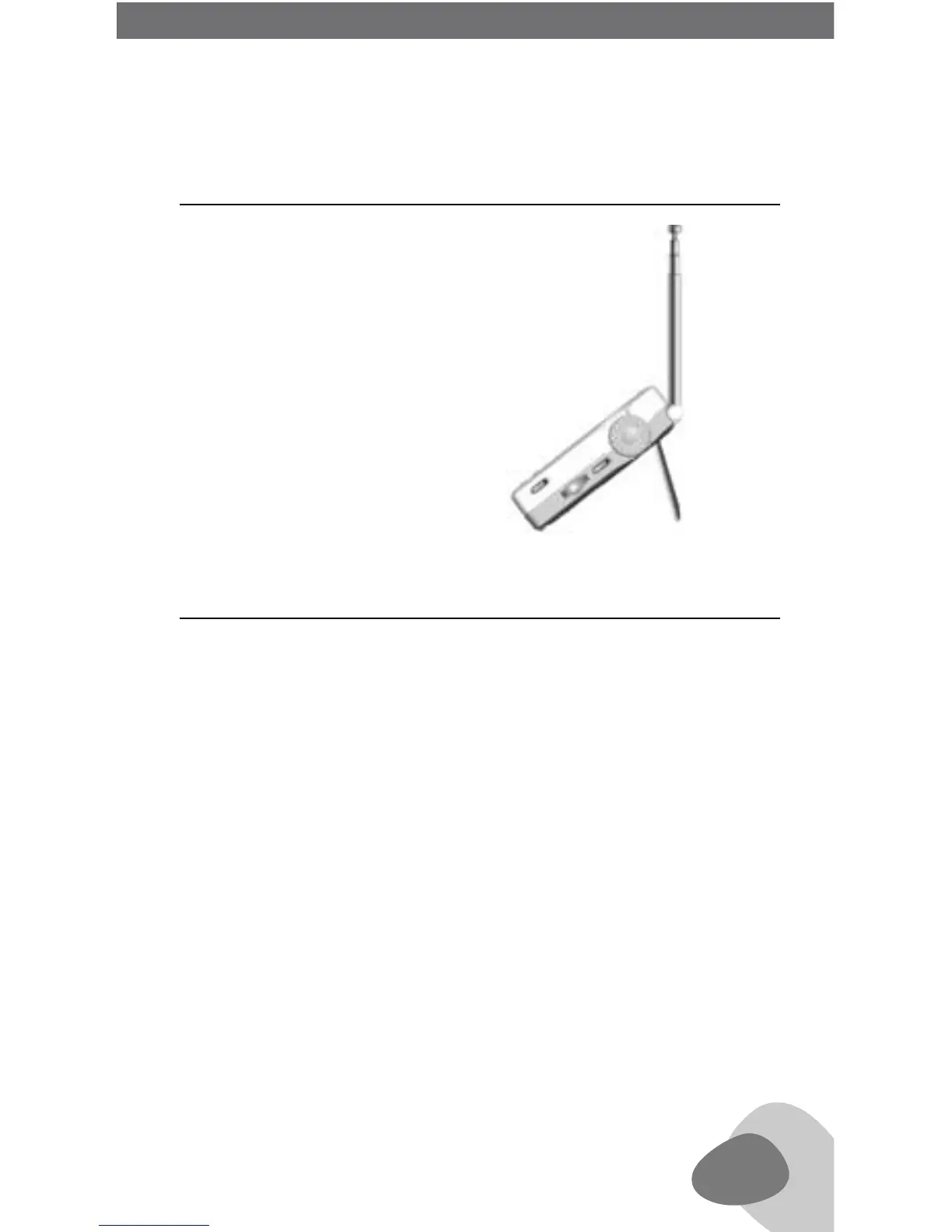
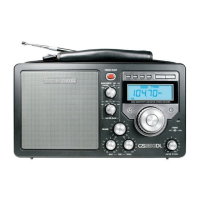
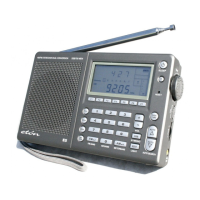
Pull the folding stand from the rear of the E5,
allowing viewing at a comfortable angle.
(see below)
The reset button is located inside the small hole (3) labeled RESET.
If the E5 operates erratically, poke a paper clip into the reset hole
to reset its microprocessor. Performing a reset does not erase what
is stored into the memory locations but does reset the clock to 0:00.
14 REAR FOLDING STAND (19)
15 RESET BUTTON (3)
E5 OWNER’S MANUAL
E5 OWNER’S MANUAL


 To Next Page