3 | 11
Troubleshooting for Users
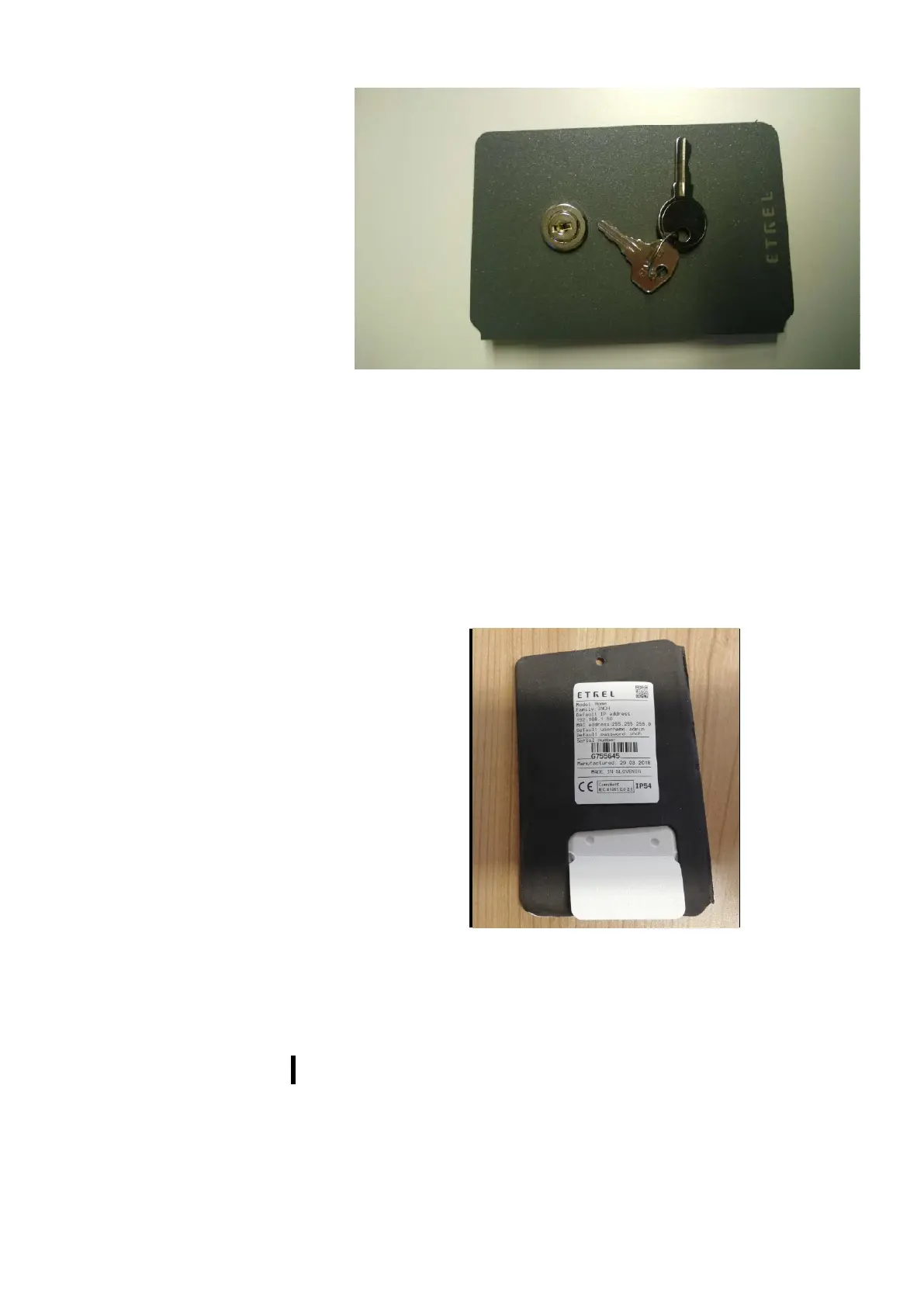
Figure 2: Maintenance doors with lock and keys
TECHNICAL INFORMATION STICKER
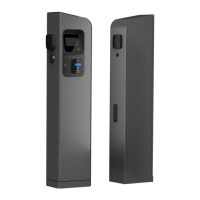
You can locate the technical information sticker on the inner side of
the maintenance doors. It holds the basic charging station
information, model type and serial number. When support is
contacted it is important that you know the charging station model
type so the support can quickly help you with your problems.
Figure 3: Sticker with technical information
3 ERRORS AND WEB INTERFACE
During the operation of the charging station various errors can occur
that can cause charging station to stop working. Errors are displayed
on the LCD screen. When user connects to the charging station’s web
interface he can check all the errors in the event list. Additional info
about each error will be displayed.


 To Next Page