8 | 12
cables after they are pulled through.
Drill 9 holes for screws and insert the anchor screws in
each hole.
Power supply cable preparation
Pull the power supply cable through the drilled hole in
the wall if the cables need to go through the wall. If
cables are connected to the charging station from above
or below, enough length of the cable should be
provided. Extra cable length available for the installation
should be around 40 cm.
Align holes of the mounting bracket with the drilled
holes and tighten the screws using Phillips-head
screwdriver.
Alternative power supply cable preparation
When supply cables come from below the station, the
design of the charging station will allow you to easily
insert them into the connection area. Extra cable length
available for the installation should be around 40 cm.
If cable will be routed to the back of the charging station
from above, a cable raceway as shown on the picture
should be installed. Wall spacers need to be installed in
this case. They should be screwed into the holes as
shown.
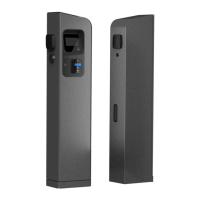
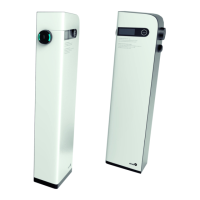
Removal of maintenance doors and cable gland plate
On the backside of the charging station screw off the
back maintenance door and side maintenance door. You
will need a Phillips-head screwdriver and hex screwdriver
or key, depending on the type of charger’s service doors.
After the removal of doors untighten the screws on the
plate with cable glands and remove the plate.
If using the bigger gland, make sure that the rubber
inside the gland is of correct size. For the cables with


 To Next Page