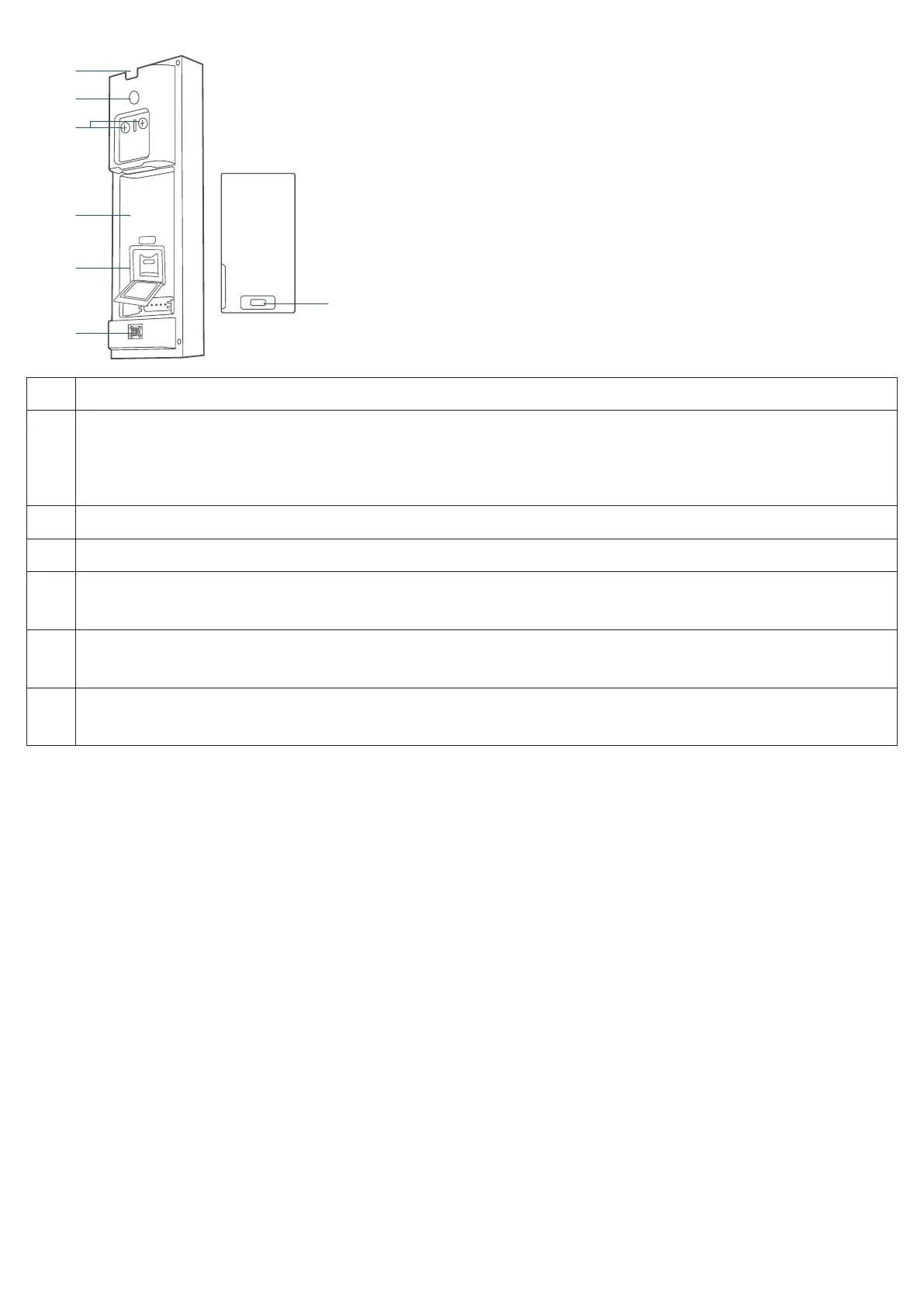
Rear View
②
③
④
SYNC
⑤
⑥
❶
Detaching Mechanism
❷
SYNC Button
· Press to turn on the doorbell.
· Press and hold for 2 seconds until you hear a beep to set up the doorbell. (Optional)
· Press quickly 5 times within 3 seconds to turn o the doorbell.
❸
Power Terminals for Existing Doorbell Wires (Optional)
❹
Battery Compartment
❺
SD Card Slot
· Lift up the silicone lid to insert the SD Card.
❻
QR Code
· Scan to add the doorbell in the app.
❼
USB-C Port
· Use to charge the battery.
HOW THE SYSTEM WORKS
Works Independently
This video doorbell can work independently once it is connected to your home wireless router. Additionally, you have a
variety of options to receive notifications and hear a ring when someone presses your video doorbell.
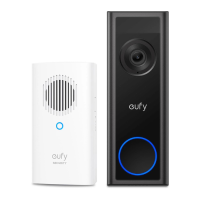
Use a traditional doorbell chime (if you have one).
Use a eufy Security doorbell chime (sold separately).
Use an Amazon Alexa Echo Show device.
Works with eufy Security HomeBase (Optional)
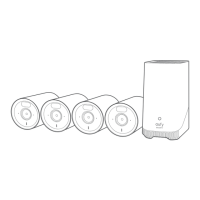
The video doorbell detects motion at your porch and lets you to answer the door anytime, anywhere. You can store video
clips in the built-in storage of your eufy Security HomeBase 2 or S380 HomeBase (sold separately). When someone rings
the doorbell, people in the house will be notified.


 To Next Page