Setting Up the System
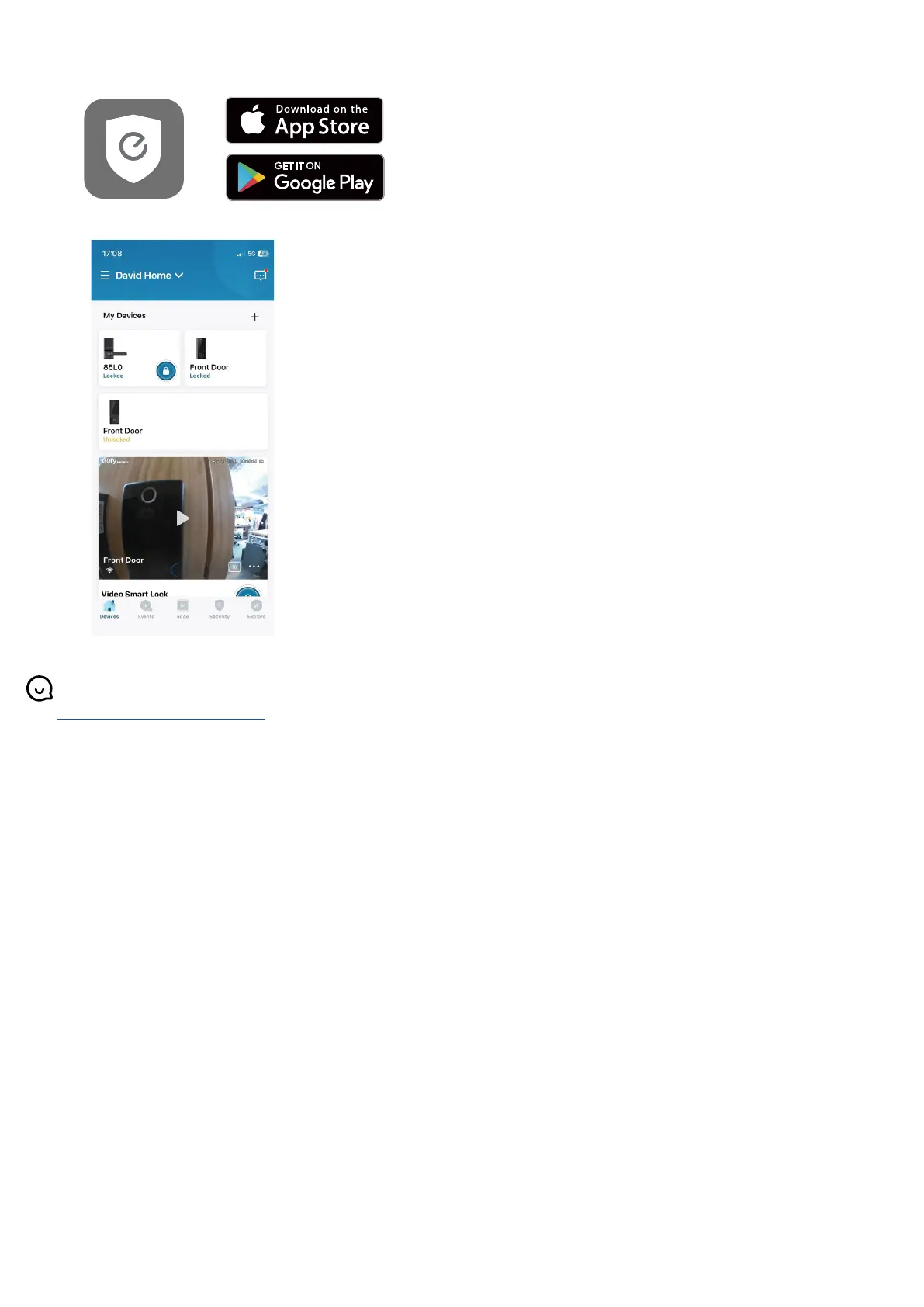
1. Download and install the eufy Security app, then sign up for an account.
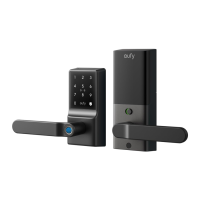
2. Tap + to add the Smart Lever Lock to your device list.
3. Once setup is complete, install the battery cover. Your Smart Lever Lock is now ready to use.
For online support, tutorial videos, FAQs, and more information, please visit
https://support.eufy.com/s/.


 To Previous Page