3. Using Your Camera and Monitor
3.1 Power On / O
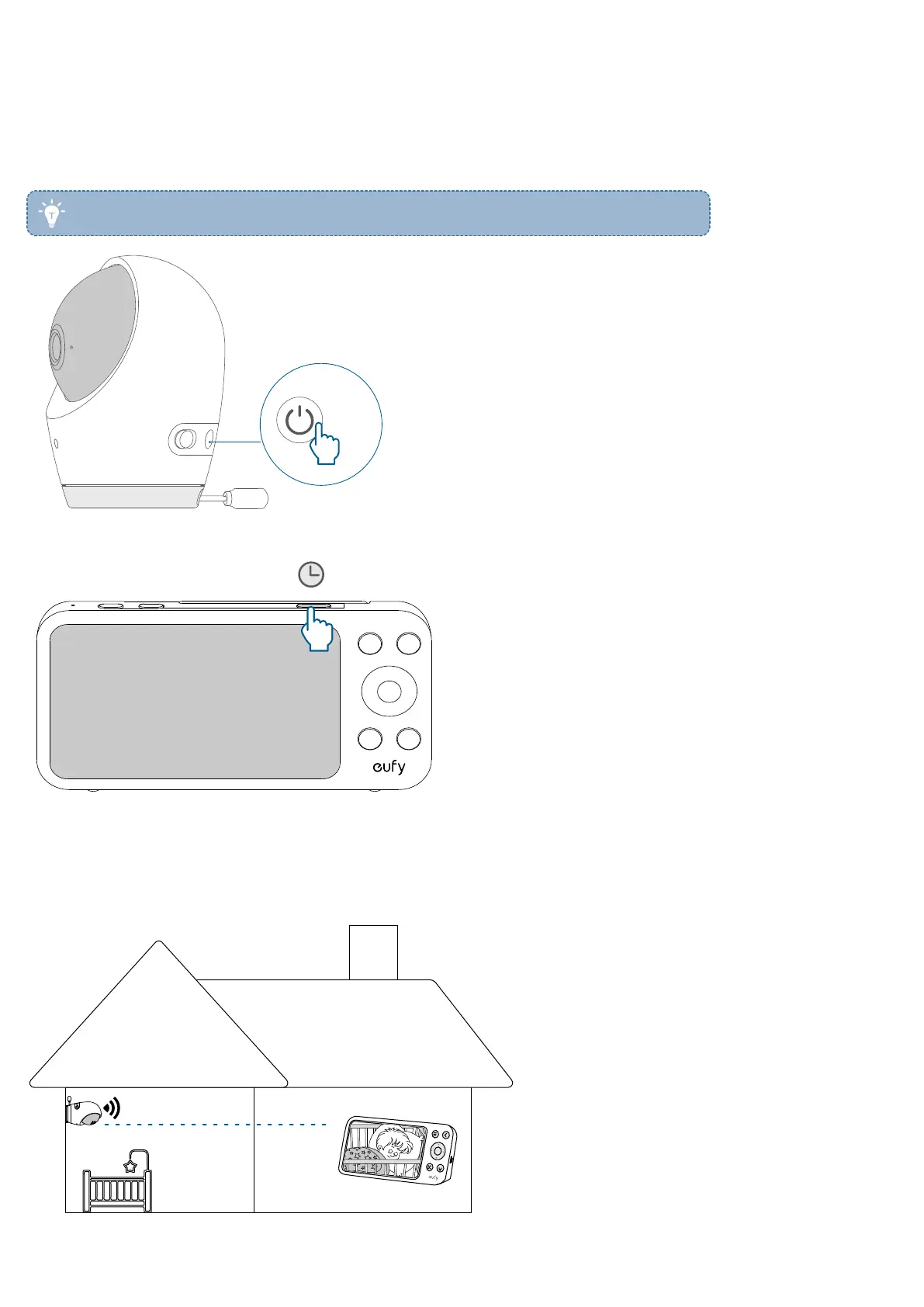
You can turn the camera on or o by pressing and holding the power button for 2 seconds. The camera is automatically
switched on when you connect it to a power source.
• The camera includes a 5000mAh battery, allowing you to use the camera wirelessly.
2s
To turn the monitor on or o, press and hold the power button for 2 seconds.
3.2 Connect the Camera and Monitor
Connect without Wi-Fi
When powered on, the camera and monitor are automatically connected and ready for use.


 To Next Page