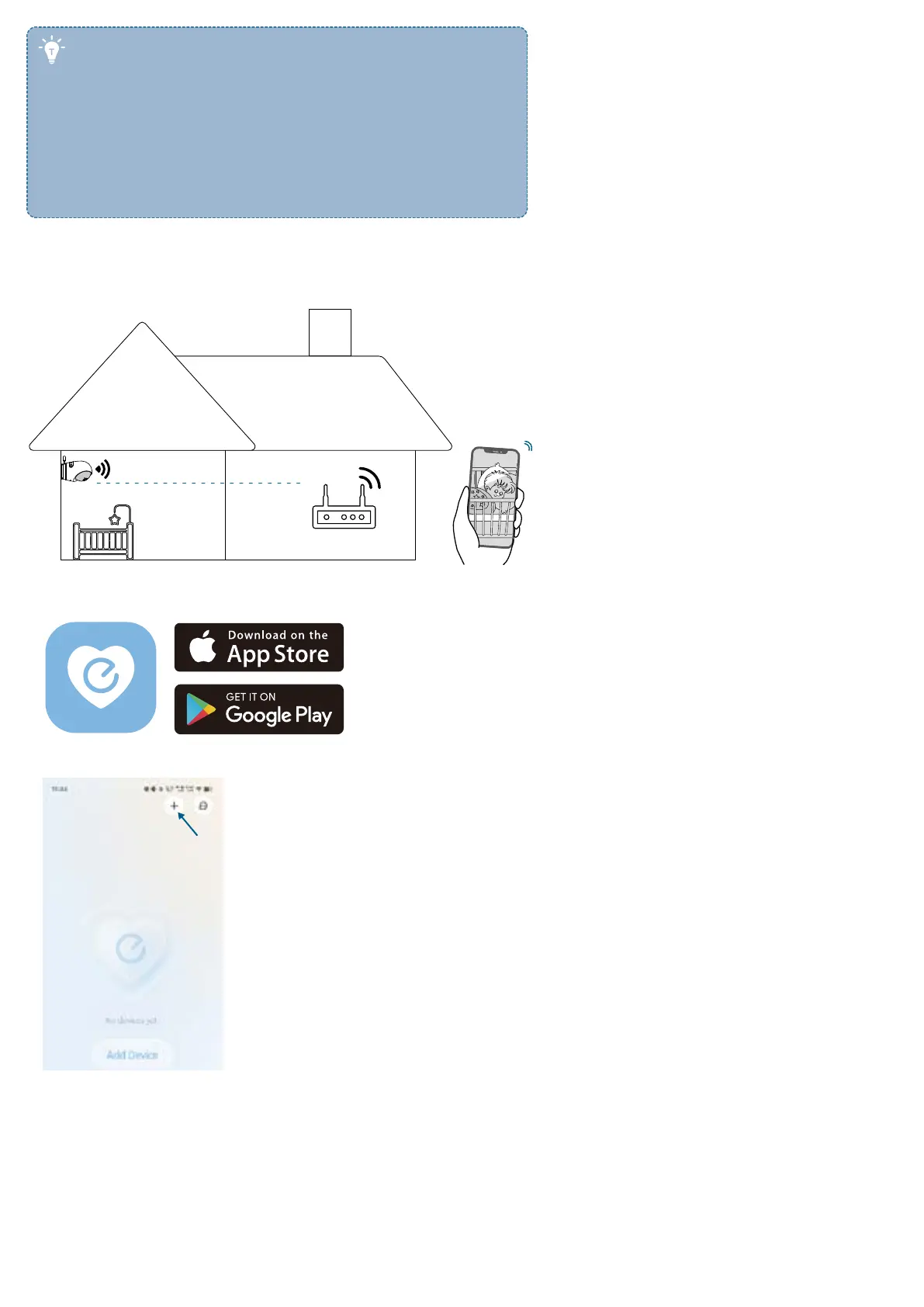
• If you connect the camera and monitor without Wi-Fi, the
live video stream is only available on the monitor screen. To
watch live video on your mobile device, connect the camera
to the app.
• If your camera and monitor are far apart or there are
obstacles such as interior walls between them, signal
strength may be reduced. To improve signal strength, move
the monitor closer to the camera. Alternatively, you can
connect the monitor to a Wi-Fi network.
Connect with Wi-Fi
Connect the Camera to the App
To control your camera and watch live video from anywhere, connect the camera to the eufy Baby app.
1. Download and install the eufy Baby app from the App Store(ios devices) or Google Play(Android devices), and sign up for
an account.
2. Tap + to add the Baby Monitor to your device list. Follow the in-app instructions to complete Wi-Fi connection.


 To Next Page