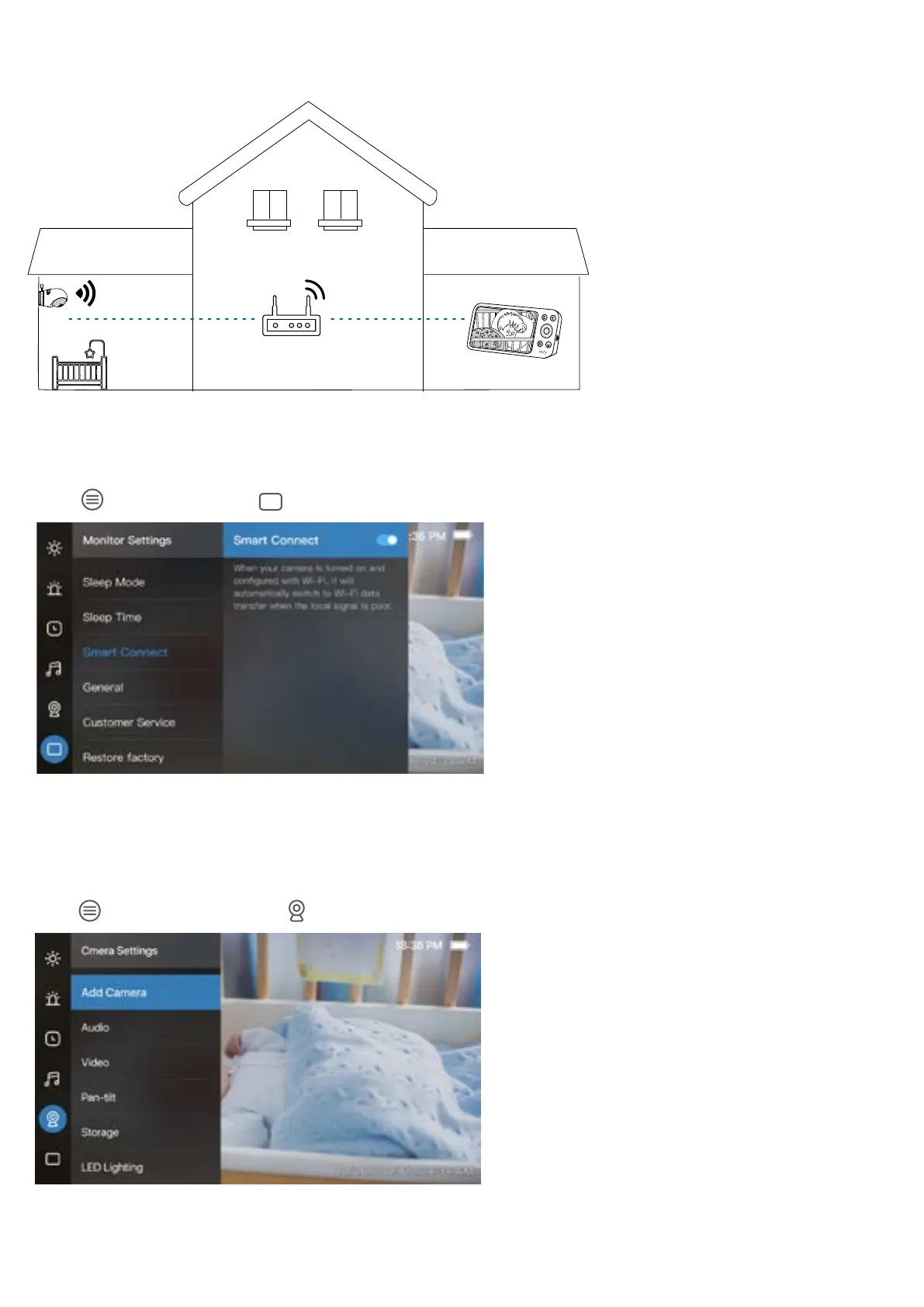
Connect the Monitor to Wi-Fi
Distance or obstacles between the camera and monitor may weaken the signal. To improve signal strength, you can
connect the monitor to a Wi-Fi network.
1. Place the camera and monitor in locations with a strong Wi-Fi signal.
2. Make sure that the camera is connected to Wi-Fi using the eufy Baby app. For detailed instructions, refer to Connect the
Camera to the App.
3. Press
on the monitor, go to > Smart Connect, and turn on the Smart Connect switch.
3.3 Add a Camera to the Monitor
Your camera and monitor are paired out of the box. Refer to the following steps when adding extra cameras or after
resetting a camera.
1. Press
on the monitor, and go to > Add Camera.
2. Follow the on-screen instructions to start the pairing.


 To Next Page