!
To preserve natural resources, please recycle or dispose of expired battery
pack properly.
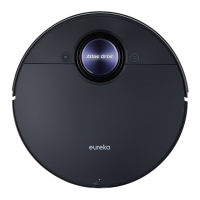
Disposal of robotic vacuum and battery pack
Before you discard this vacuum, dispose of battery in an environmentally
safe manner. Do not discard battery with your regular household trash.
Important battery disposal information.
To find a disposal location nearest you, call 1-800-822-8837.
To preserve natural resources, please recycle or dispose of expired battery
pack properly. This product contains a lithium-ion battery. It must be disposed
of properly. Local laws may prohibit disposal of lithium-ion batteries in ordinary
trash. Consult your local waste authority for information regarding available
recycling and/or disposal options.
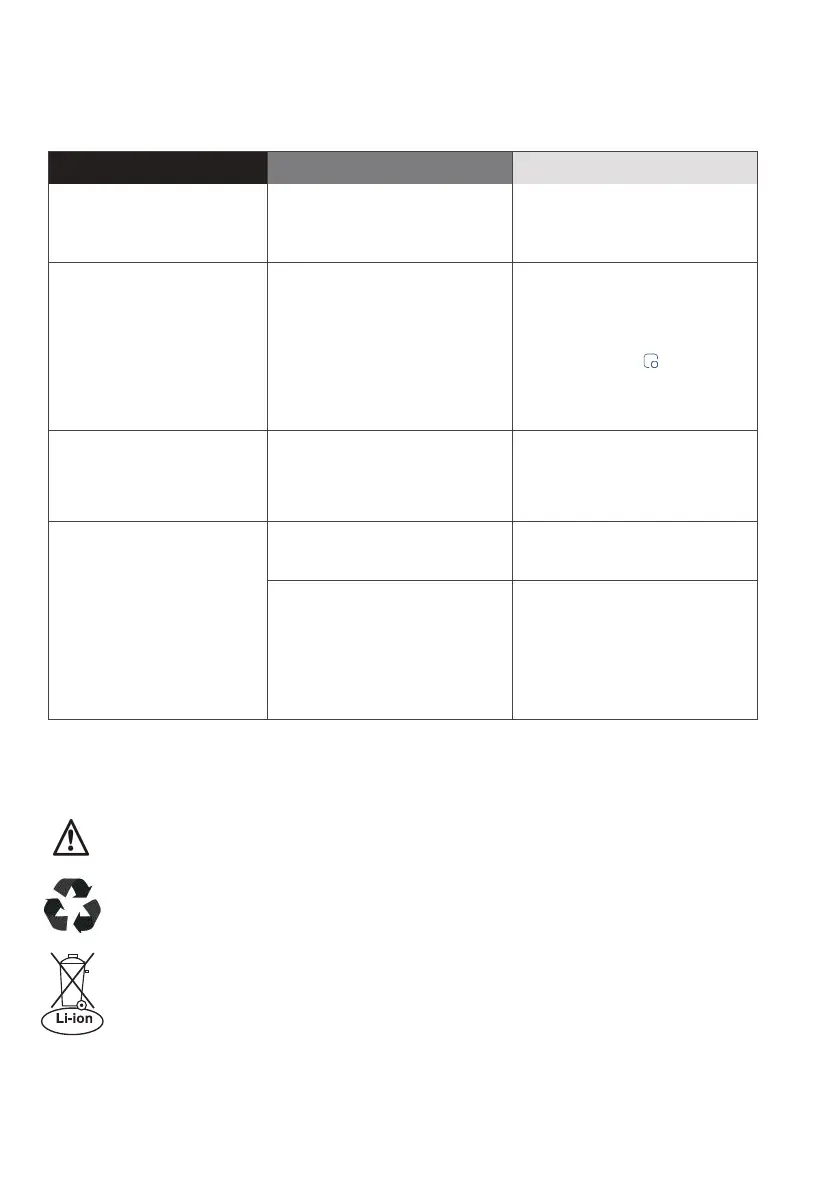
Troubleshooting
Faults
Possible Causes
Solutions
The robotic vacuum has
no sound
· The sound is muted.
· The robotic vacuum is in Do
Not Disturb Mode.
· Turn up the volume.
· Turn o "Do Not Disturb Mode".
The App shows the
connection is
disconnected
· The phone is not connected
to the network normally.
· The router is not working
properly.
· The robotic vacuum is not
turned on.
· The network is removed.
· Wireless network password or
network has been changed.
· Reconnect the phone network.
· Restart the router.
· Turn on the robotic vacuum.
· Add new appliances in the App.
· Reset the network by pressing
and holding the
" " button for
3 seconds
· Add the device again following
the phone's instructions.
App operation response
delays
· Wireless network signal is
weak.
· The network bandwidth is
insucient.
· Restart the router to reduce the
number of access users.
· Check the phone settings.
· Increase the network bandwidth.
After the robotic
vacuum returns to the
self-emptying base,
the self-emptying
process fails to start
automatically
The dust cup is full. Empty the dust.
· The lid of dust cup is not
closed.
· The dust cup is not installed
correctly.
· Close the lid.
· Reinstall the dust cup correctly.
20 Eureka Customer Service HELPLINE 1-800-282-2886
Check your problem by using the chart below and try the solutions for each problem.
If the robotic vacuum still does not work properly, contact our customer service
HELPLINE at 1-800-282-2886.



 To Next Page