Need help?
Do you have a question about the EuroLite DMX Commander 24/48 and is the answer not in the manual?
Keep device away from moisture, unplug before opening, read manual carefully, qualified personnel only.
Check for transport damages and consult dealer if found. Do not operate damaged devices.
Always plug in power unit last. Ensure device is off before connecting to mains. Keep away from heat sources.
Avoid drastic temperature fluctuations, operate with correct power unit, disconnect when not in use, keep away from children.
Use for DMX control indoors. Avoid heat, moisture, dust, direct smoke jets, and thunderstorms. Operate within specified altitude.
Unauthorized modifications void warranty. Do not remove serial barcode. Improper operation may cause damage.
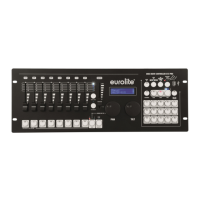
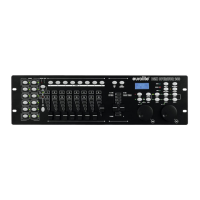
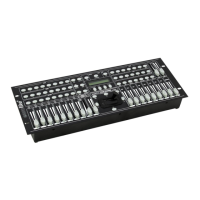
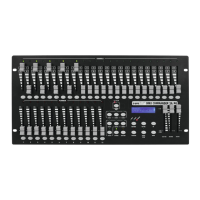
Comfortable DMX controller with 48 channels, 24 faders, 36 scenes, 48 programs, blackout, sound control, and USB firmware update.
Detailed overview of the DMX Commander's control panel, including channel faders, playback controls, and function buttons.
Instructions for installing the device on a plane surface or in a 19" rack, ensuring adequate ventilation and proper screw fixing.
Details on setting up sound control via the built-in microphone or Line In connection using an RCA socket.
Guidelines for connecting to dimmerpacks using shielded cables and XLR plugs, and serial DMX-chaining with termination.
Basic steps to get started with the DMX Commander, including channel control and playback.
Using channel faders to control DMX channels 1-48, with notes on Masterfader and Blackout-button.
Using playback faders to call up scenes (1-36) and chasers (1-48), with notes on programming.
Activating Blackout-mode to set all devices to zero output.
Procedure to memorize up to 36 scenes using channel faders and playback buttons.
Procedure to memorize up to 48 chasers, including step-by-step programming.
Operating chasers in Music, Manual, or Auto modes, adjusting speed and fade time.
Defining and memorizing individual chaser speeds for multiple chasers.
Steps to delete or add specific steps to a programmed chaser.
Procedure to reset the device to its default settings and clear all stored data.
Saving and loading channel data from a USB media.
Instructions for downloading and installing firmware updates via USB.
Using RDM to set DMX starting addresses remotely, scanning for RDM devices.
Common problems like no power, scene memorization issues, and no signal output with their causes and remedies.
Recommendations for cleaning the device using a soft, lint-free, moistened cloth, avoiding alcohol or solvents.
Information that internal maintenance is for authorized dealers only and to use genuine spare parts.
Details on power supply, consumption, channels, sound control, DMX output, dimensions, weight, and accessories.
 General
| Brand | EuroLite |
|---|---|
| Model | DMX Commander 24/48 |
| Category | Controller |
| Language | English |

 To Next Page