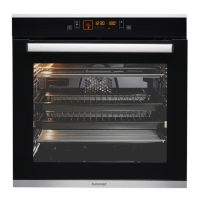
MF90 Installation and Instructions for Use
Before using for the first time
Setting and changing the current time
The oven only operates when the time has been set.
When the appliance is connected to the electrical supply or when there has been a power cut, the
symbol for Time flashes automatically.
1. To change a time that has already been set, press the Clock functions button repeatedly until the
symbol for Time flashes.
2. Using the or button, set the current time.
After about 5 seconds, the flashing stops and the clock displays the time of day set.
The appliance is now ready for use.
Getting to know the appliance
The appliance can be operated in test mode for testing or performing all operating steps. The oven will
not heat up during the test.
Switching on the test mode
1. Switch off the appliance using the On/Off button.
2. Press and hold and buttons at the same time until an acoustic signal is heard and “d” lights up
in the display.
Switching off the test mode
1. Switch off the appliance using the On/Off button.
2. Press and hold and buttons at the same time until an acoustic signal is heard and “d” goes up
in the display.
Operating the Oven
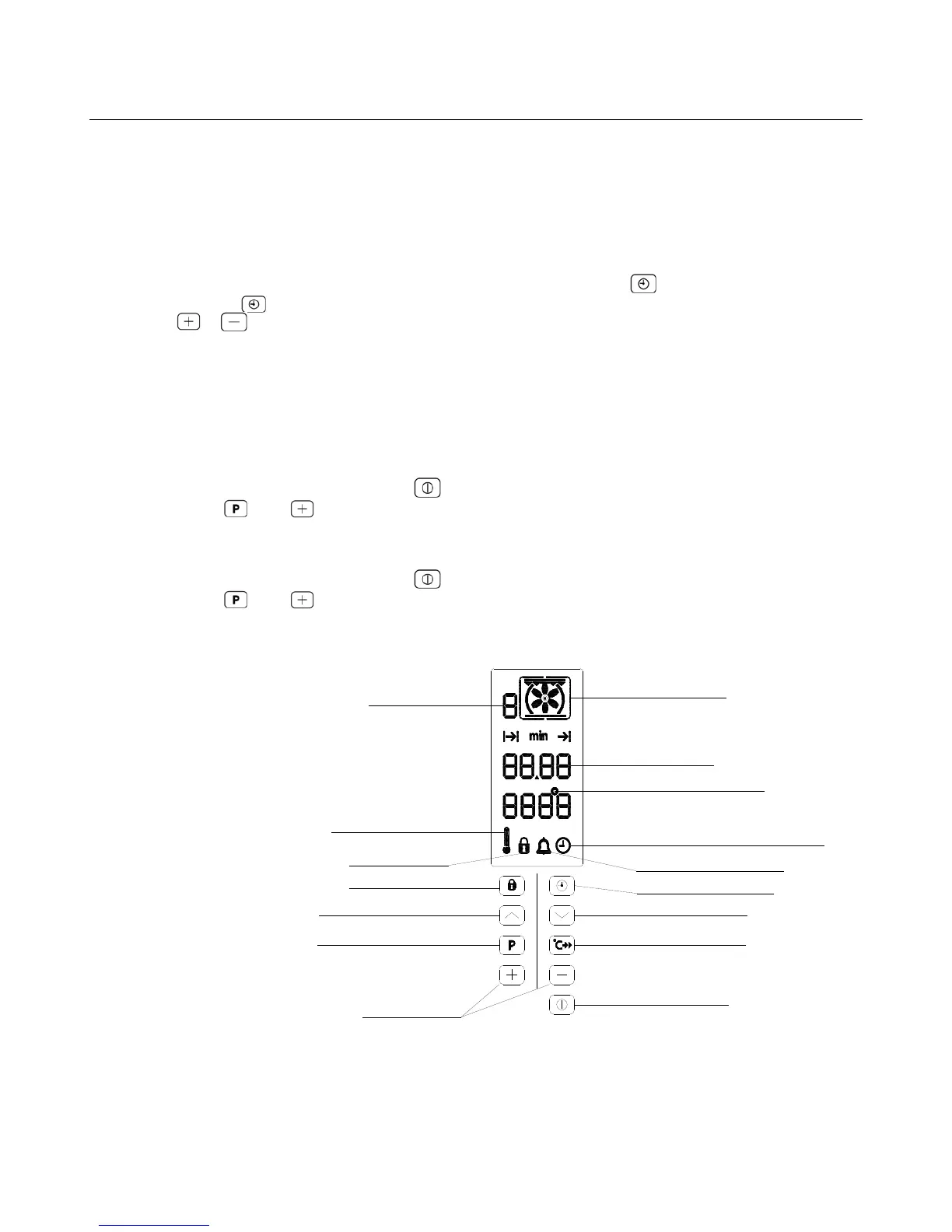
The Electronic Oven Control
Speekcook button
Clock Functions symbol
Clock Functions button
Selector buttons
Oven function selection
Oven function selection
Memory function button
ON/OFF button
Child safety button
Child safety symbol
Clock functions/Operating time
Temperature symbol
Thermometer symbol
Oven Functions
Memory: P / Test: d
Time symbol


 To Next Page