14
After Sales Support
(AU) 1300 886 649 (NZ) 0800 836 761 | info@tempo.org
Battery replacement
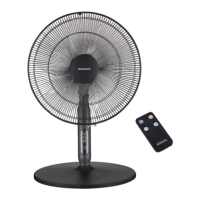
The remote control is powered by a CR2025 3V button cell. When the battery
needs replacing, insert a new one of the same type and size following the
instructions below:
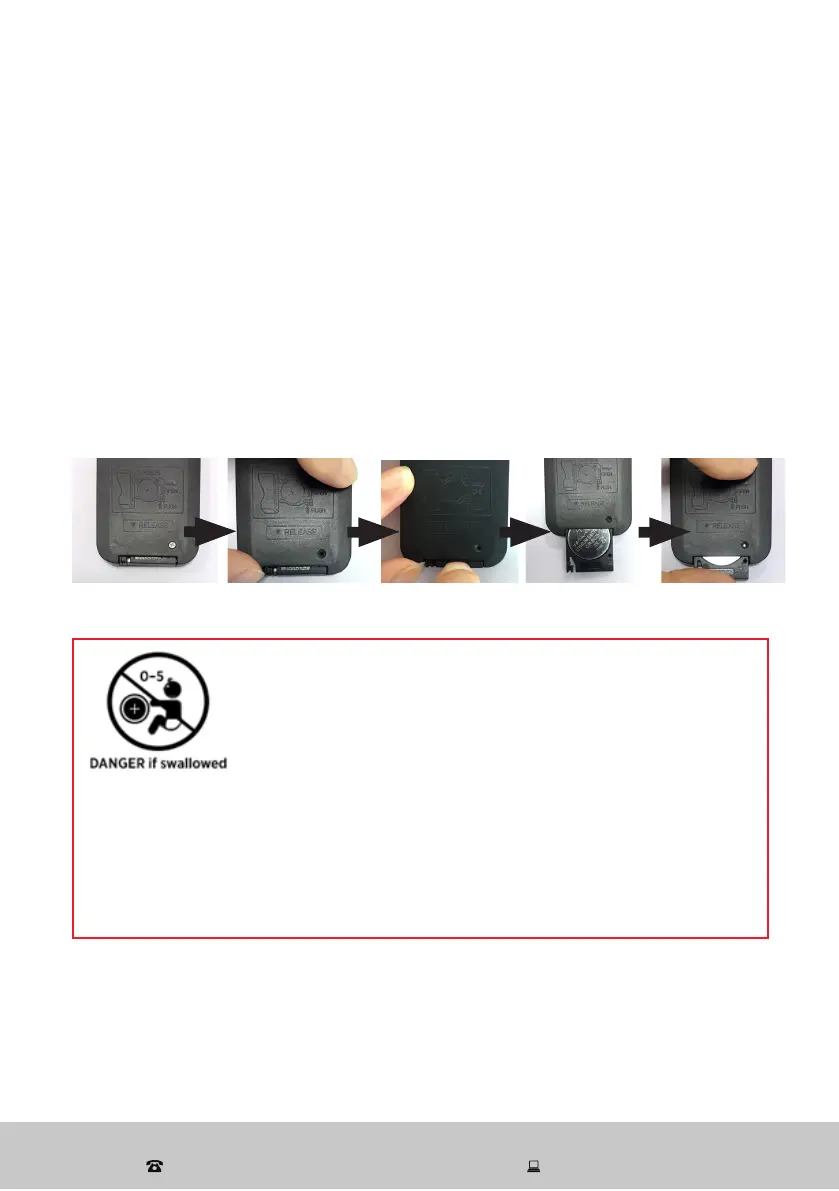
• Unscrew the screw that secures the battery compartment.
• Push the locking tab to one side and pull out the battery holder at the back
side of remote control, as illustrated.
• Remove the old button cell from the device and insert a new one, ensuring
to match the polarity, as illustrated on the back of the remote control. Then
push the battery holder back into the device.
• Reinstall the screw and tighten it to secure the battery compartment.
WARNING!
The remote control contains a coin/button cell battery
inside. Keep batteries out of reach of children.
Swallowing may lead to serious injury or death in
as little as 2 hours due to internal burns.
If swallowed, immediately call the 24-hour Poisons Information Centre
on 13 11 26 (AU) or the 24-hour National Poisons Centre on 0800 764 766
(NZ). Dispose of used batteries immediately.
This product has been designed so that the coin/button cell battery is not accessible
to young children, as the battery compartment cover is secured with a screw or
mechanical fastener. Always ensure that the compartment is secured before use.
Other Useful Information (Cont.)


 To Next Page