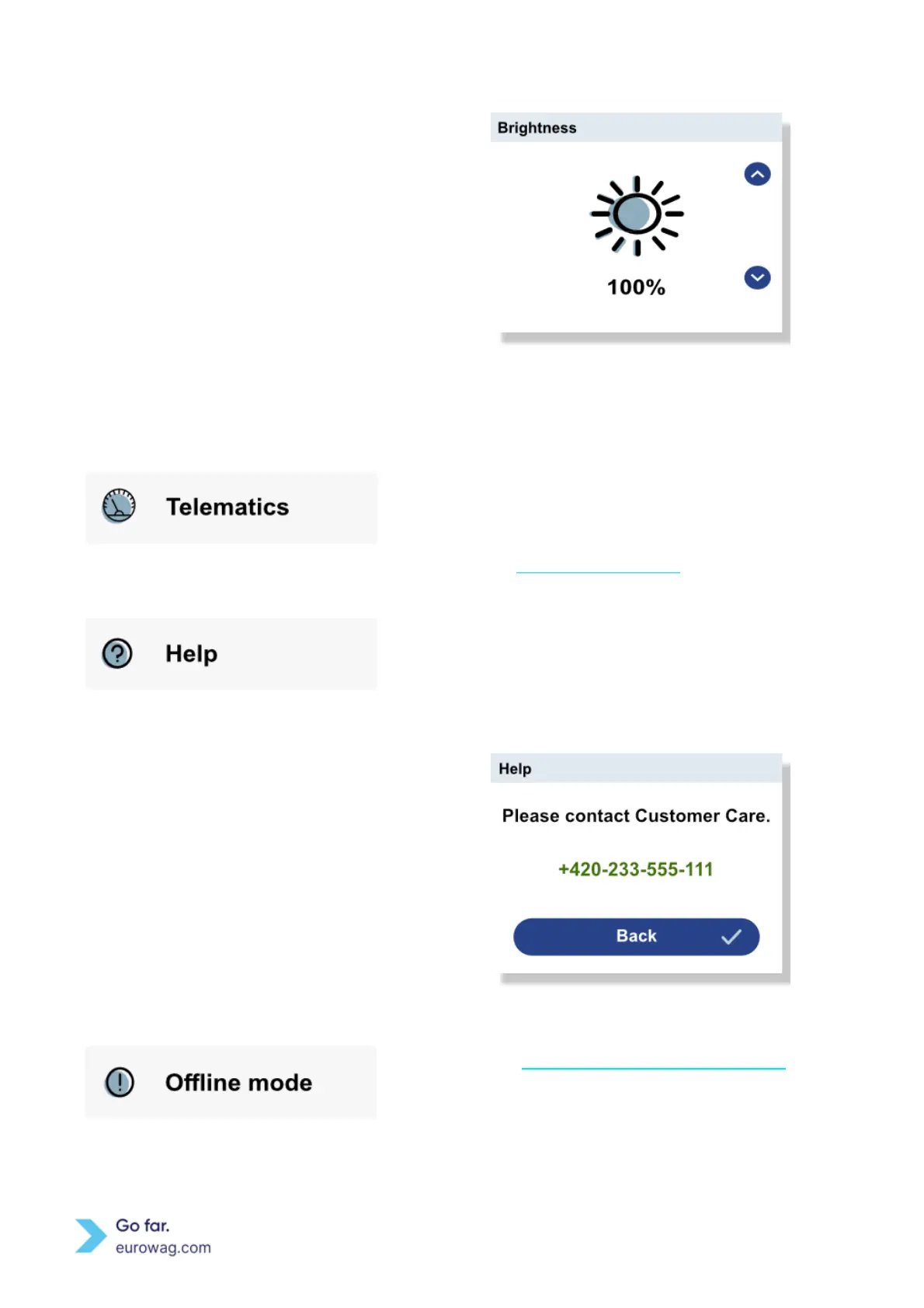
Manual brightness adjustment
Manual brightness - use ↑ or ↓ select brightness and ✓
button to confirm.
The Telematics section is not used for toll services. The
Telematics section is intended for the future use of
telematic services. Separate telematic services can be
ordered via Eurowag Client portal.
For help, call Eurowag Customer Care. The contact
number can be found in the Menu under Help section.
To identify your EW OBU, the Eurowag Customer Care
representative will ask for the EW OBU ID which can be
found on the back of the device.
Described in Offline mode and return of EW OBU section.


 To Next Page