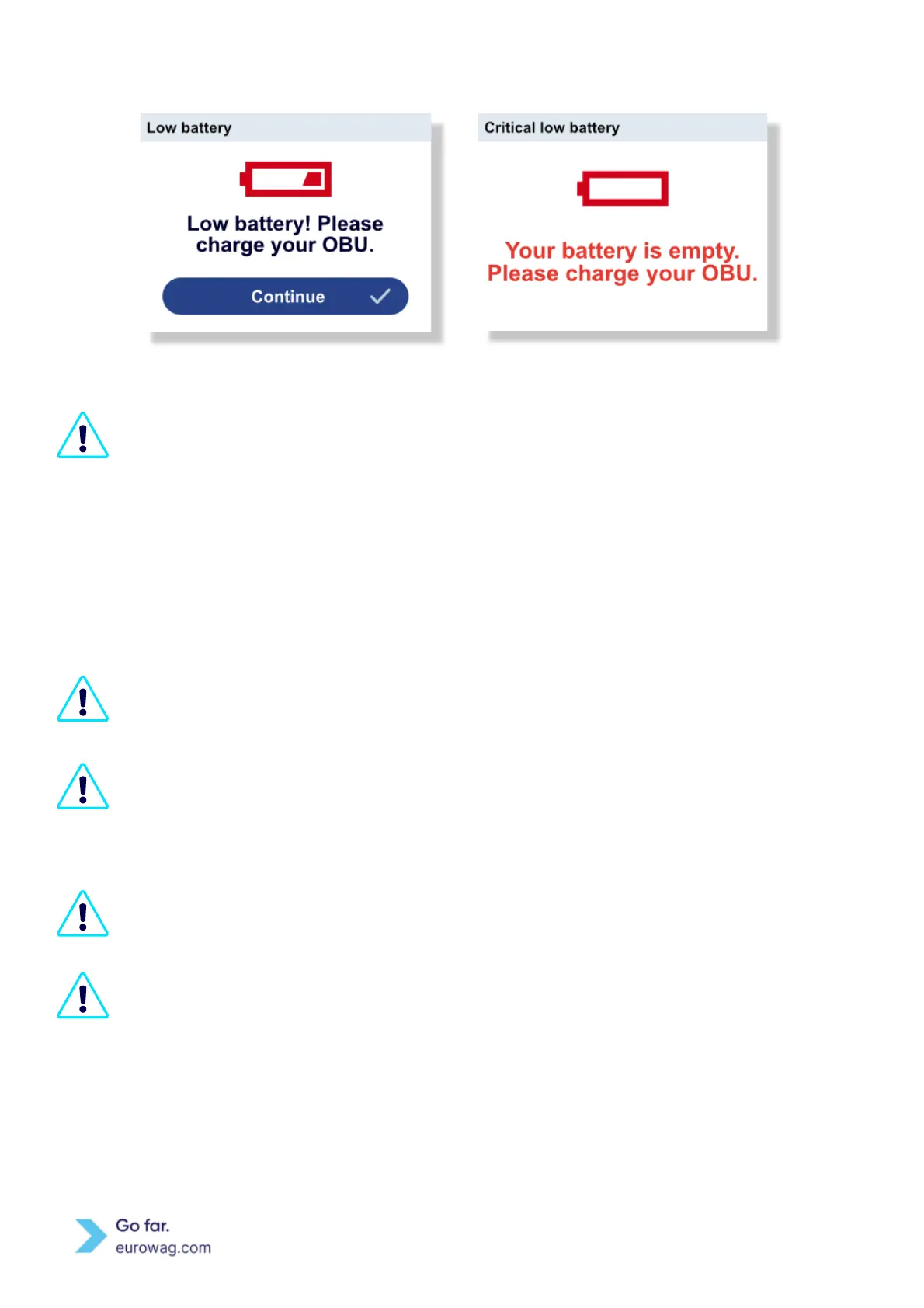
Critical low battery screen
Connecting and disconnecting the power cable to the EW OBU is accompanied by a sound effect.
Note: If the user turns off the sounds in the Menu, the connection and disconnection of the
power cable is not accompanied by a sound effect.
EW OBU Locked mode is currently applied by all existing toll domains with the same condition
(speed).
To improve traffic safety, the EW OBU cannot be operated while the vehicle is in motion. The EW
OBU detects that the vehicle speed has exceeded 10 km/h and automatically locks the buttons.
Locking the EW OBU buttons means that it is not possible to use the EW OBU and to change
settings while driving.
If the vehicle speed exceeds 10 km/h, a red key icon appears on the screen to indicate that the
EW OBU buttons are locked (EW OBU is in Locked mode).
A message is displayed if a user (e.g. the driver) tries to use the EW OBU in Locked mode (see
below).



 To Next Page