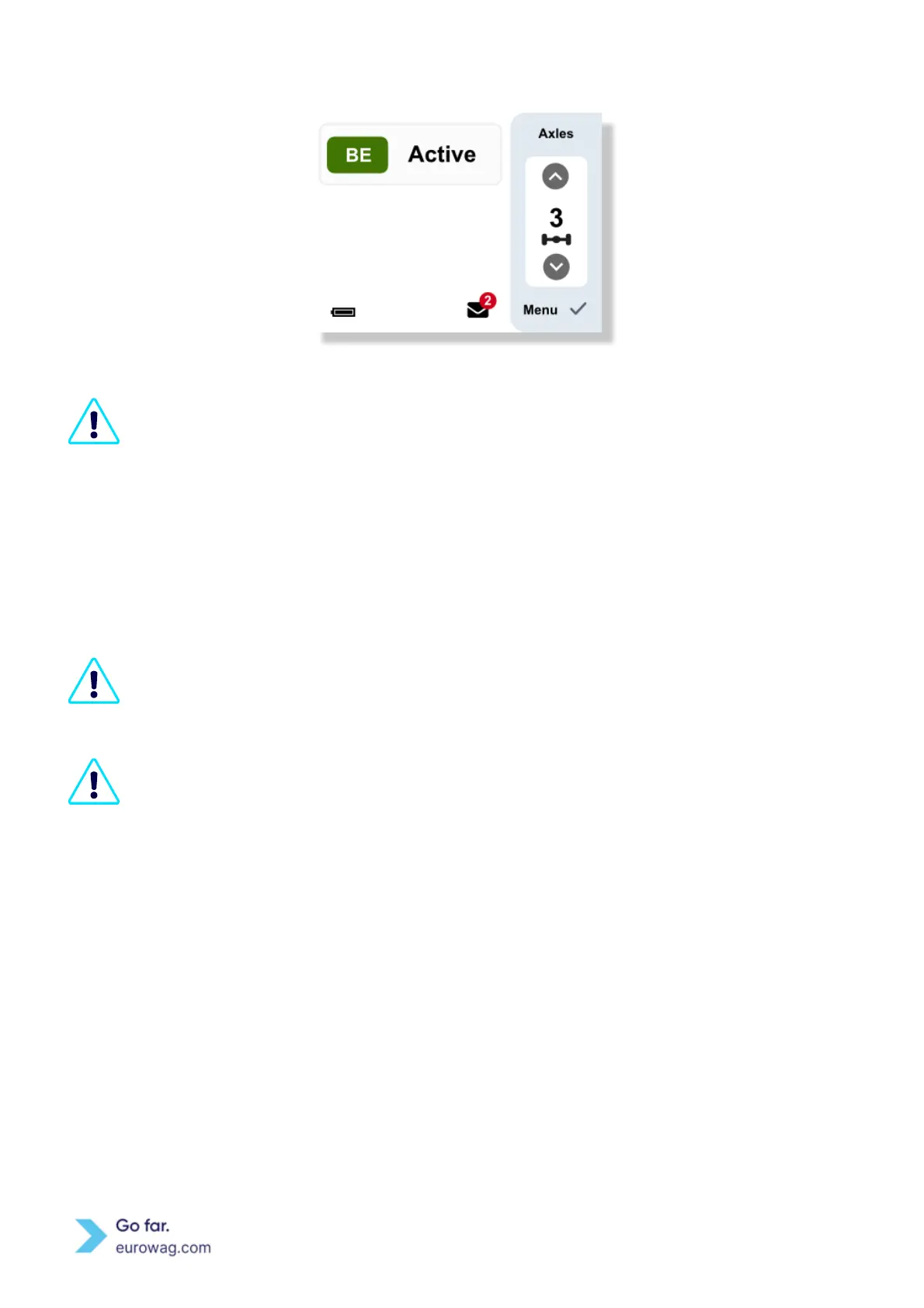
Screen showing EW OBU display (C)
The number of axles shown at EW OBU display is the total number of axles for the vehicle
(tractor + trailer) consisting of the (static) number of tractor axles (as stated by you during
vehicle registration) plus the actual declared trailer axles. The actual trailer axles are set
according to the current status by the driver on EW OBU.
6. Setting vehicle weight class
During activation of the first toll domain, which requires setting vehicle weight class, it is set to
the highest weight class by default in EW OBU. You are responsible for selecting the correct
vehicle weight class for specific toll domains (e.g. German toll domain).
The weight class must be updated when attaching a trailer to the tractor. The current weight
class is the maximum permissible combined weight of the tractor and the currently attached
trailer.
A. Once the specific toll domain is active, pressing any of the arrow buttons (↑ or ↓) activates the
selection of setting the number of axles or the weight class of the vehicle. Select the changing of vehicle
weight class and then confirm by pressing the ✓ button.
B. Use the arrow buttons until you reach the correct weight class and save the changes with the ✓
button.



 To Next Page