14
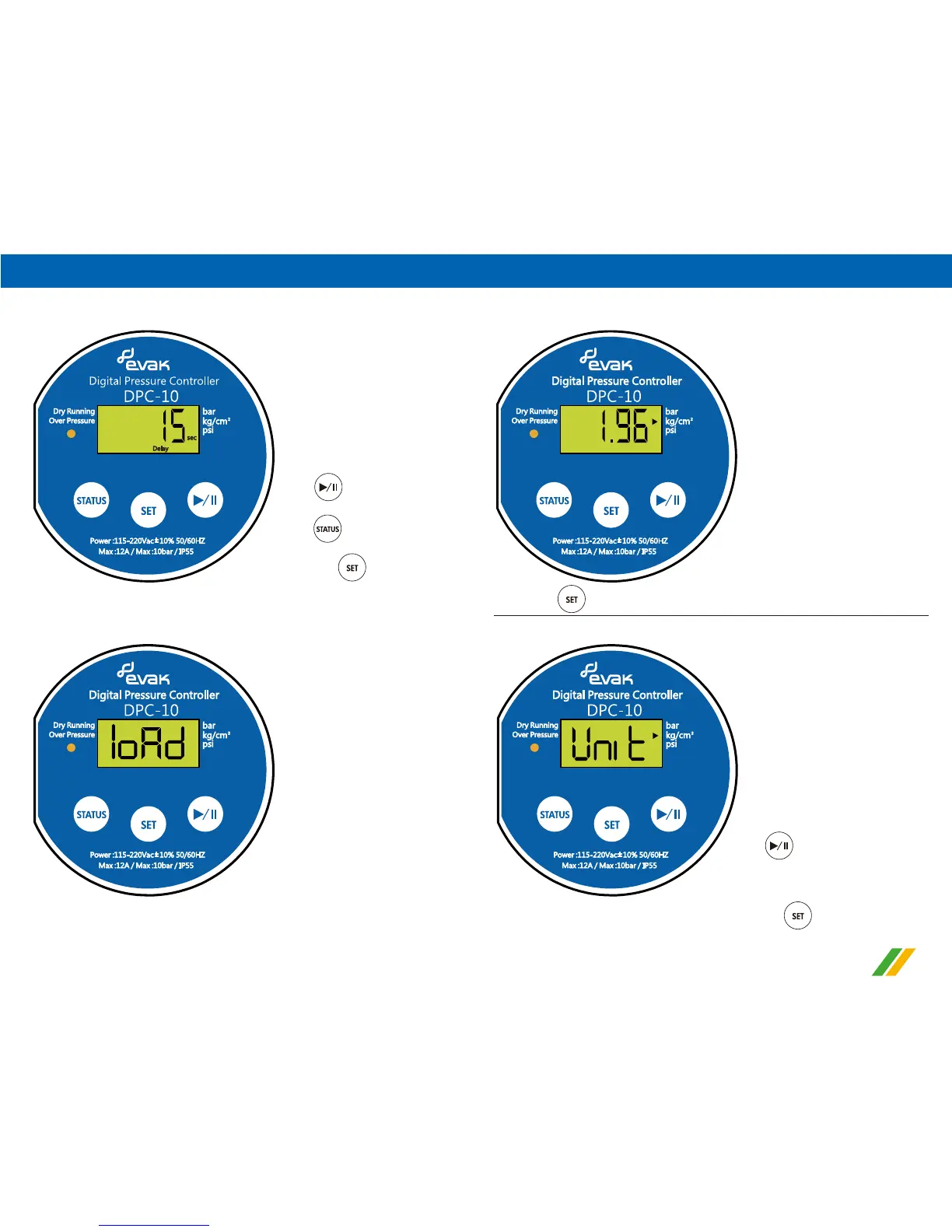
1).Change the display working pressure unit (Show code Unit)
3).Time-Delay setting after reaching the Max. Pressure(Show code
Delay)
4).All parameter settings is stored (Show code loAd)
c. Press for 3 seconds to enter advanced setting
Press
to adjust the value upward
Press
to adjust the value downward
↓ Press once
↓ 3 seconds later
5).After finishing above setting, 3 seconds later will go to the actual
pressure status display automatically.
Press to set up unit
Cycle of working pressure unit:
kg/cm² → psi → bar → kg/cm²
↓ Press once


 To Next Page