LT-101A User’s Manual
Copyright © EVERFINE, Copy or spread without authorization is prohibited.
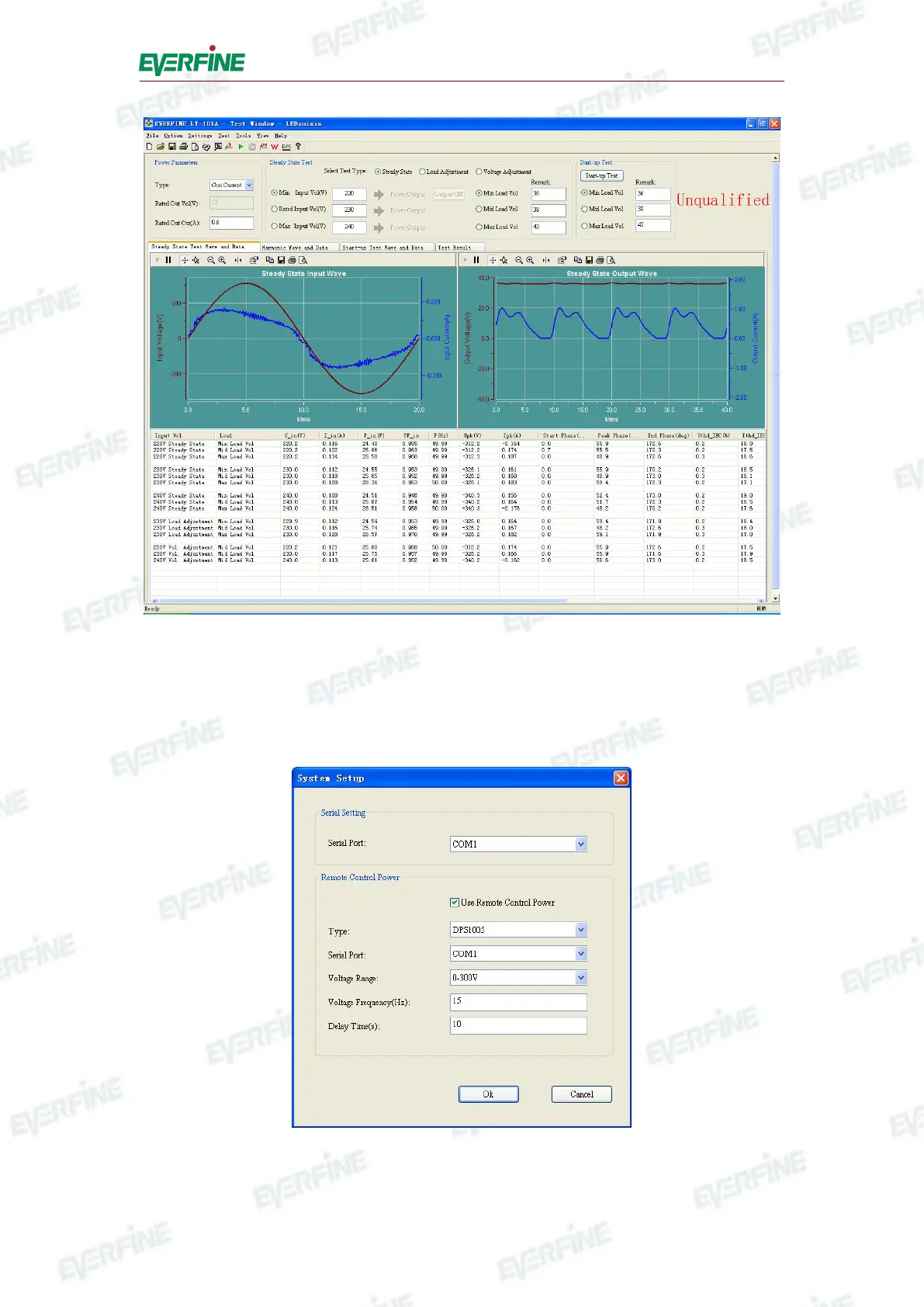
Fig.6.1 Main interface of the software
3. Select serial communication interface: Click "Setup", point to the submenu
"System Setup", and select the correct communication interface among COM1,
COM2, COM3, COM4, COM5, COM6, COM7 or COM8.
Fig.6.2 Communication setting



 To Next Page