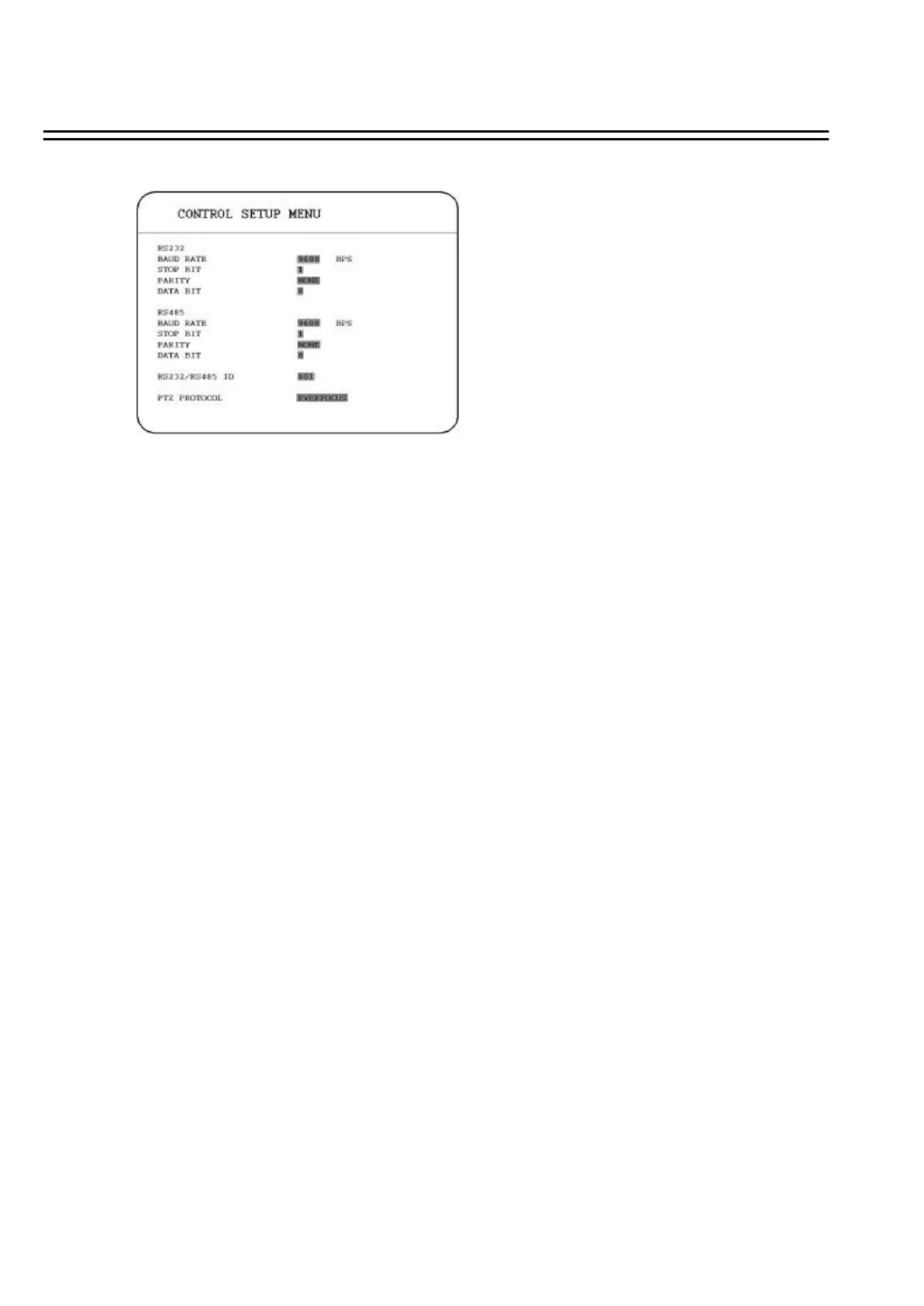
3.10 CONTROL SETUP MENU
In the CONTROL SETUP MENU, we define :
(1) RS 232:
BAUD RATE: There are 5 different speeds that can be used to transmit instruction or
information through the RS232 port on the device, which are 2400, 4800, 9600,
19200, 38400 and 57600 BPS. The default setting from the factory is 9600 BPS.
STOP BIT: Select stop bit : 1 or 2.
PARITY: Select parity level : NONE, ODD or EVEN.
DATA BIT: Select data bit : 7 or 8. The default setting from the factory is 8.
Note: RS 232 pin definition is shown in APPENDIX A.
(2) RS 485:
BAUD RATE: There are 5 different speeds that can be used to transmit instruction or
information through the RS485 port on the device, which are 2400, 4800, 9600,
19200, 38400 and 57600 BPS. The default setting from the factory is 9600 BPS.
STOP BIT: Select stop bit : 1 or 2.
PARITY: Select parity level : NONE, ODD or EVEN.
DATA BIT: Select data bit : 7 or 8. The default setting from the factory is 8.
Note: RS 485 pin definition is shown in APPENDIX B.
(3) RS 232 / RS 485 ID: Select ID from 001 to 255.
(4) PTZ PROTOCOL: Select PTZ protocol from EVERFOCUS, PELCO-D, PELCO-P and
ED2200/2250.
51















 To Next Page