7. CALL
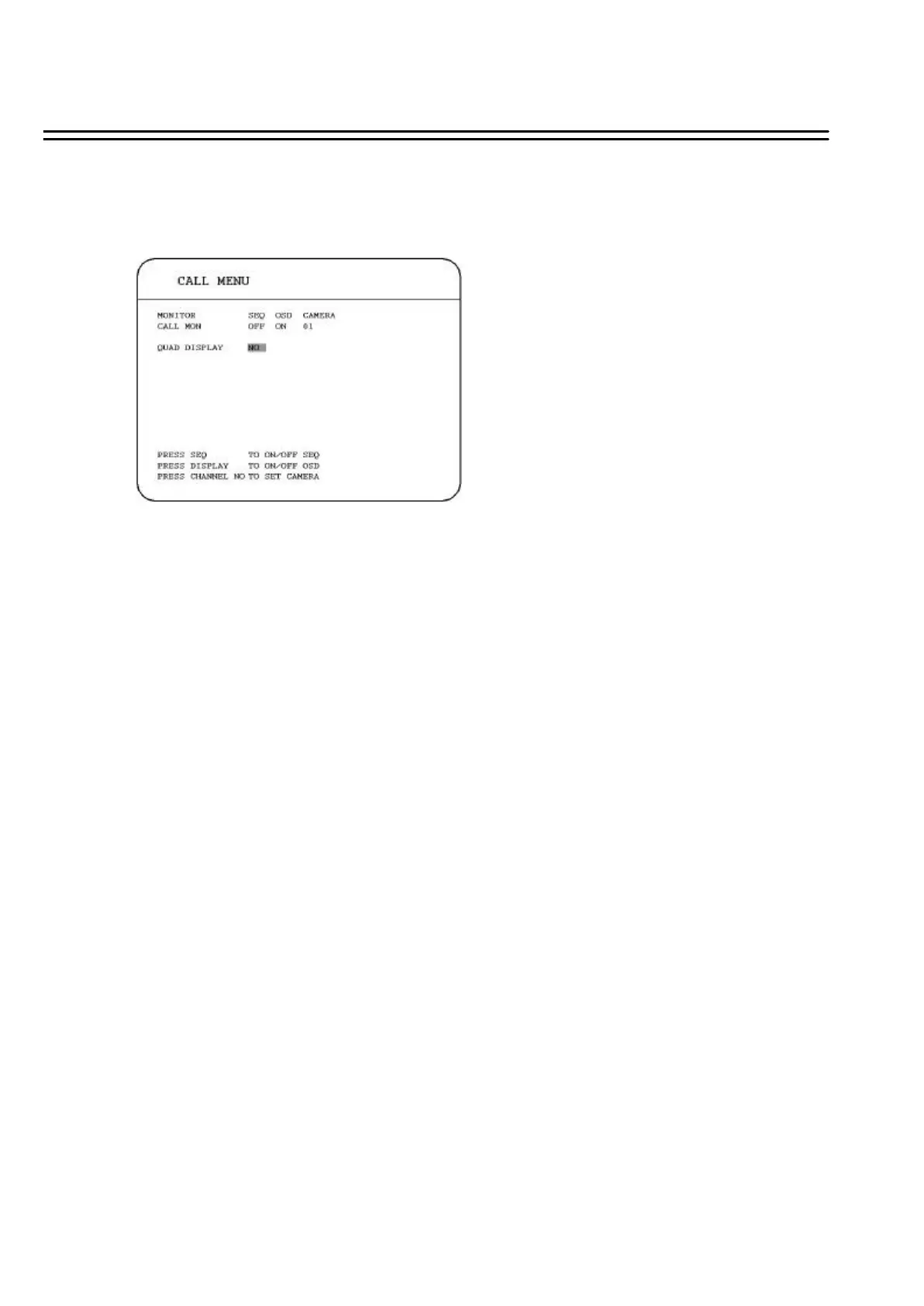
Press the CALL key and the CALL MENUwill pop up as below.
In CALL MENU, we define :
(1) SEQ: Sequence display on the call monitor. Press SEQ to switch “ON” or“OFF” of the sequence
status.
(2) OSD: Channel name display on the call monitor. Press DISPLAY to switch “ON” or“OFF” of
the OSDstatus.
(3) CAMERA: The display camera in the call monitor.
(4) QUAD DISPLAY: Display quad in the call monitor.
Dial Jog to enable (“YES”) or disable (“NO”) QUAD DISPLAYon the call monitor.
(a) SEQ is OFF:
When QUAD DISPLAYis “NO”, press FULL + Channel keyto assign a specific full screen
in the call monitor.
When QUAD DISPLAYis “YES” (enabled), press FULL + CH 1 orCH2 to display a quad
screen in the call monitor. Press FULL + CH 1 to display channel 1 to channel 4 in the call
monitor, and press FULL + CH 2 to display channel 5 to channel 8 in the call monitor.
68















 To Next Page