EAN800A/EAN800AW
19
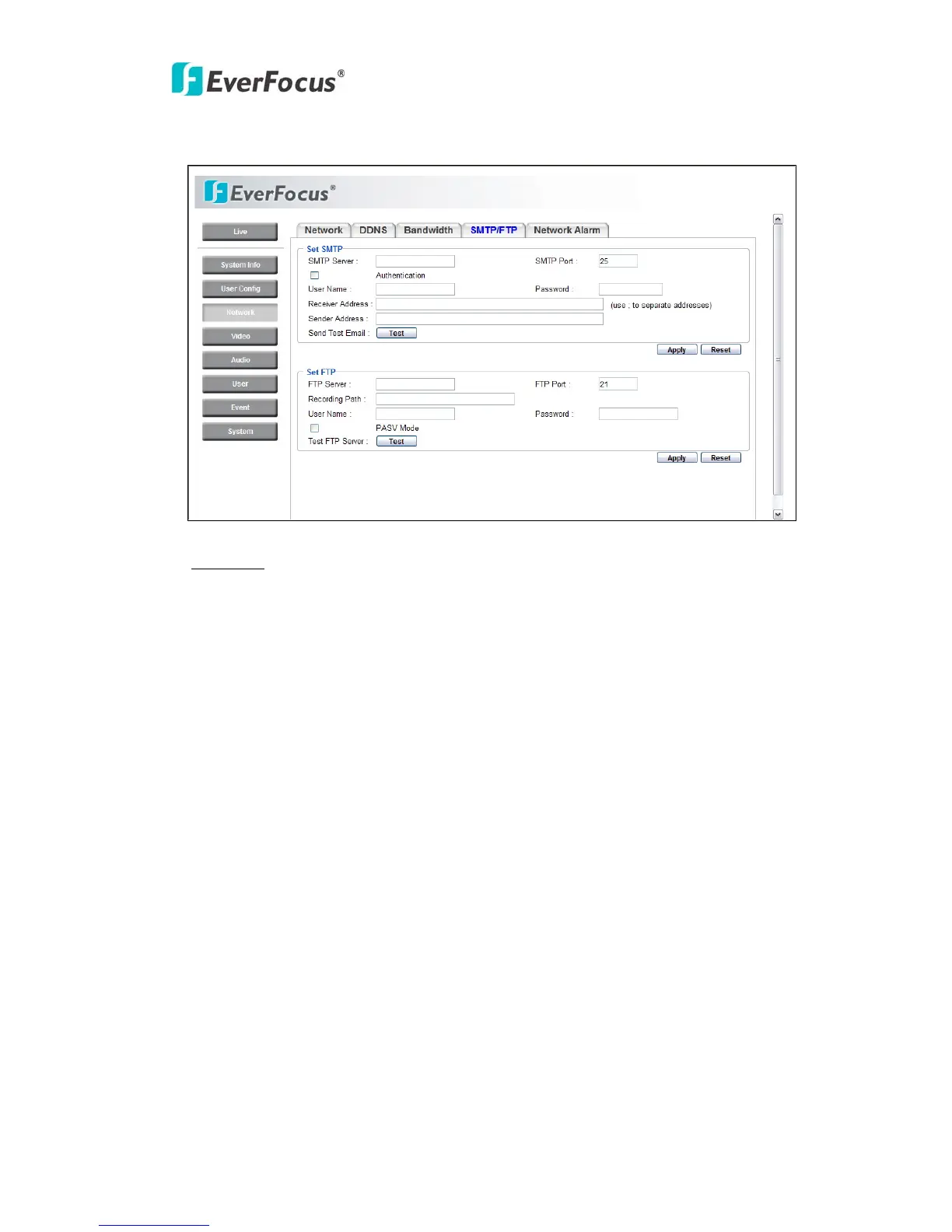
4.3.4 SMTP/FTP
Set SMTP
The settings relating to the mail server used to send the e-mail notification from the
camera to predefined addresses via SMTP can be configured.
SMTP Server: Enter the IP address or the host name of the SMTP server used to
send e-mails
.
SMTP Port: Enter the port number for SMTP. Default is 25.
Authentication: Check the box, if the SMTP server requires Authentication (user/
password).
User name: Input the login user ID if the SMTP server requires Authentication.
Password: Input the password if the SMTP server requires authentication.
Receiver Address: Input the e-mail address for receiving e-mail message when the
EVENT is enabled and triggered. Please use “;” to separate address.
Sender Address: Input sender’s e-mail address, so that receiver can recognize the
sender when an event message is sent out.



 To Next Page