EAN800A/EAN800AW
7
3. ACCESSING THE CAMERA MENU
Step 1.Start an Internet Explorer browser.
Step 2. Enter the IP address or host name of the camera in the Location/Address
field of your Internet Explorer browser. (Please refer to EAN800A/EAN800AW
Installation Guide for how to find the IP address)
Step 3. Input “Username” and “Password”. Default Username is “user1” and
default password is “11111111”.
Step 4. Click “Login” button.
Step 5. You might be required to download Active X, which is required to view
camera video. Please click "Yes".
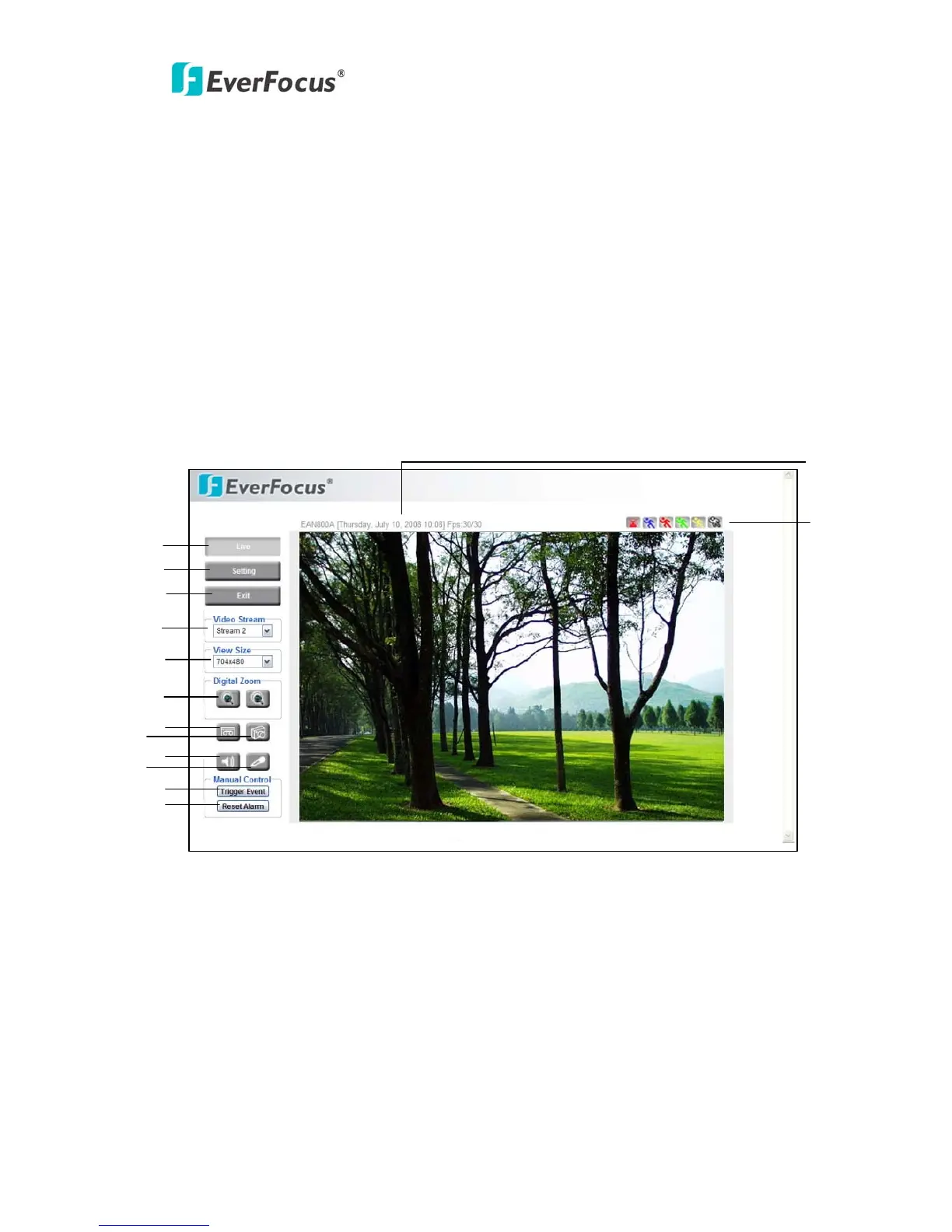
Step 6. Congratulation!! You should be able to see the live image now.
1
2
3
4
5
6
7
8
9
11
12
13
14
10



 To Next Page