EAN800A/EAN800AW
30
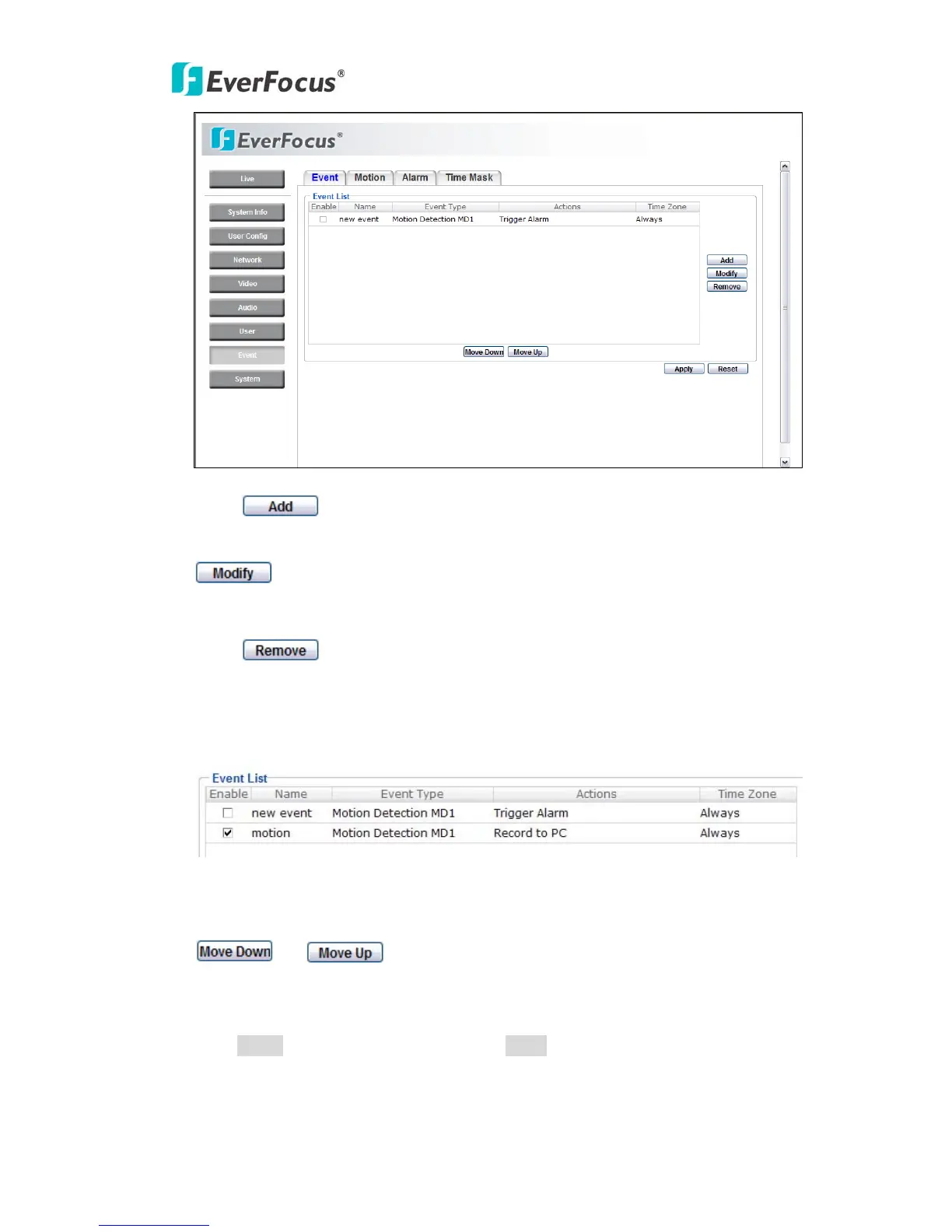
Press
button to add an event condition.
To modify the event list, click on the event and it will be highlighted. Press
button to modify the setting.
To remove an event from event list, click on the event and it will be highlighted.
Press
button to remove the event.
Check Enable checkbox to activate event actions when the event occurs in the
specified time zone.
To change the priority of events, click on the event and it will be highlighted. Press
or button to move between events. The event that has
highest priority will be activated first.
Press Apply to apply the setting changes or Reset to reset without saving the
change.



 To Next Page