EAN800A/EAN800AW
36
Machine Name Setting
Machine Name: Enter the name of the camera. The entered name will be displayed
in the status display area.
Press Apply to apply the setting changes or Reset to reset without saving the
change.
Set Time Zone
Time Zone: Select a time zone according to the location where the camera is in
use.
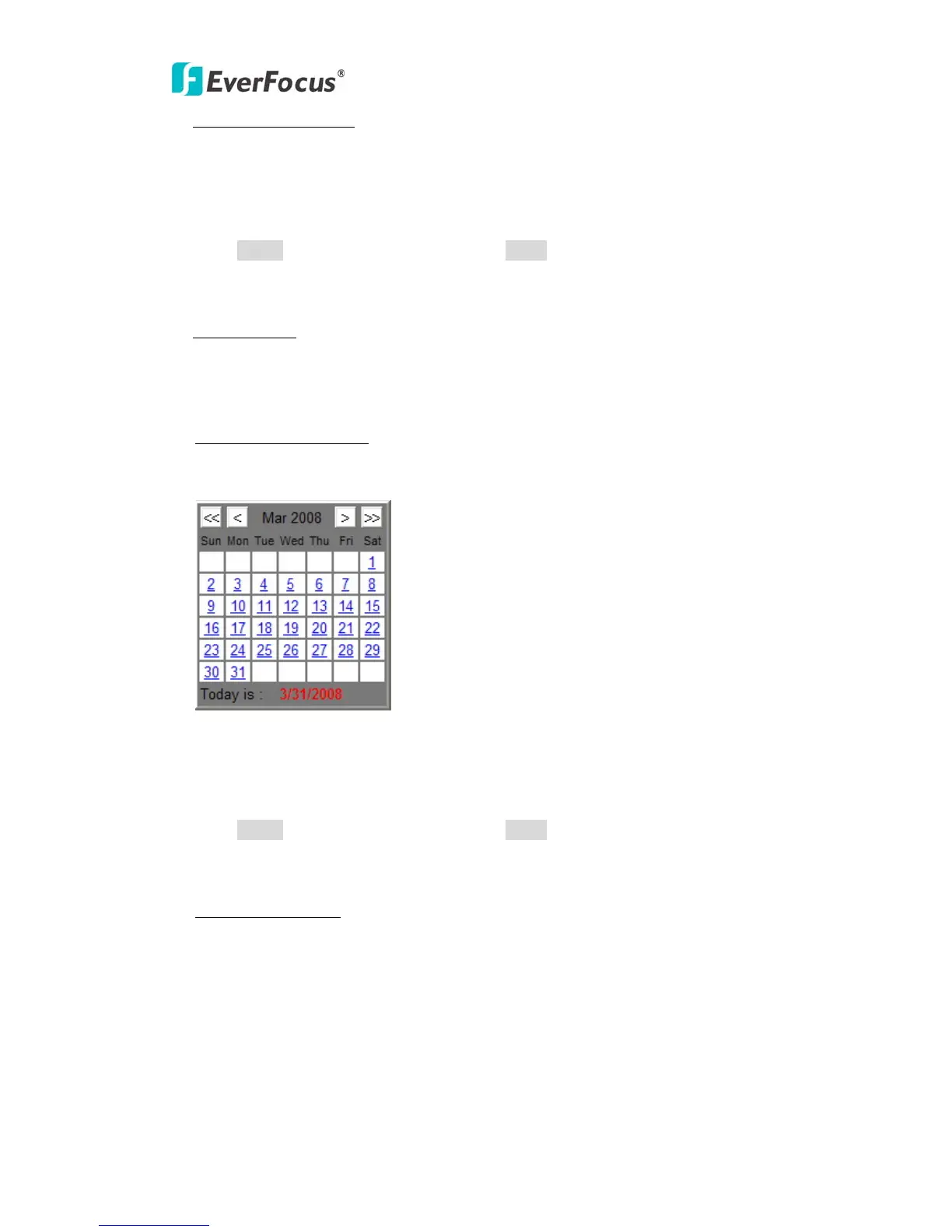
Set Date/Time Manually
Date: Click the calendar and pick the date. Press << to go previous year, < to go
previous month, > to go next month and >> to go next year.
Time: Click on Hour, Minute, Seconds, am/pm; then use up arrow to increase
value and down arrow to decrease value.
Press Apply to apply the setting changes or Reset to reset without saving the
change.
Set Date/Time Sync.
Check Enable NTP checkbox to enable NTP server.
NTP server: Time automatically adjusted by synchronizing with NTP server will be
used as the standard time of the camera.
Sync. Internal: Select an interval (1 - 24 hours: in 1 hour intervals) of
synchronization with the NTP server.



 To Next Page