2.Installation
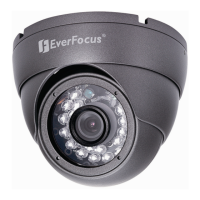
This chapter will describe, in general terms, how to install the EBD430 camera.
STEPS:
1. Wire and mount the camera, See 2.1
2. Adjust the camera position, See 2.2
3. Adjust focus and zoom, See 2.3
Warning
• To prevent electrical shock, turn off the electrical power before making electrical
connections.
• Do not expose the appliance to water or moisture, nor try to operate it in wet areas.
2.1 Wiring and Mounting
2.1.1 Drill the Holes
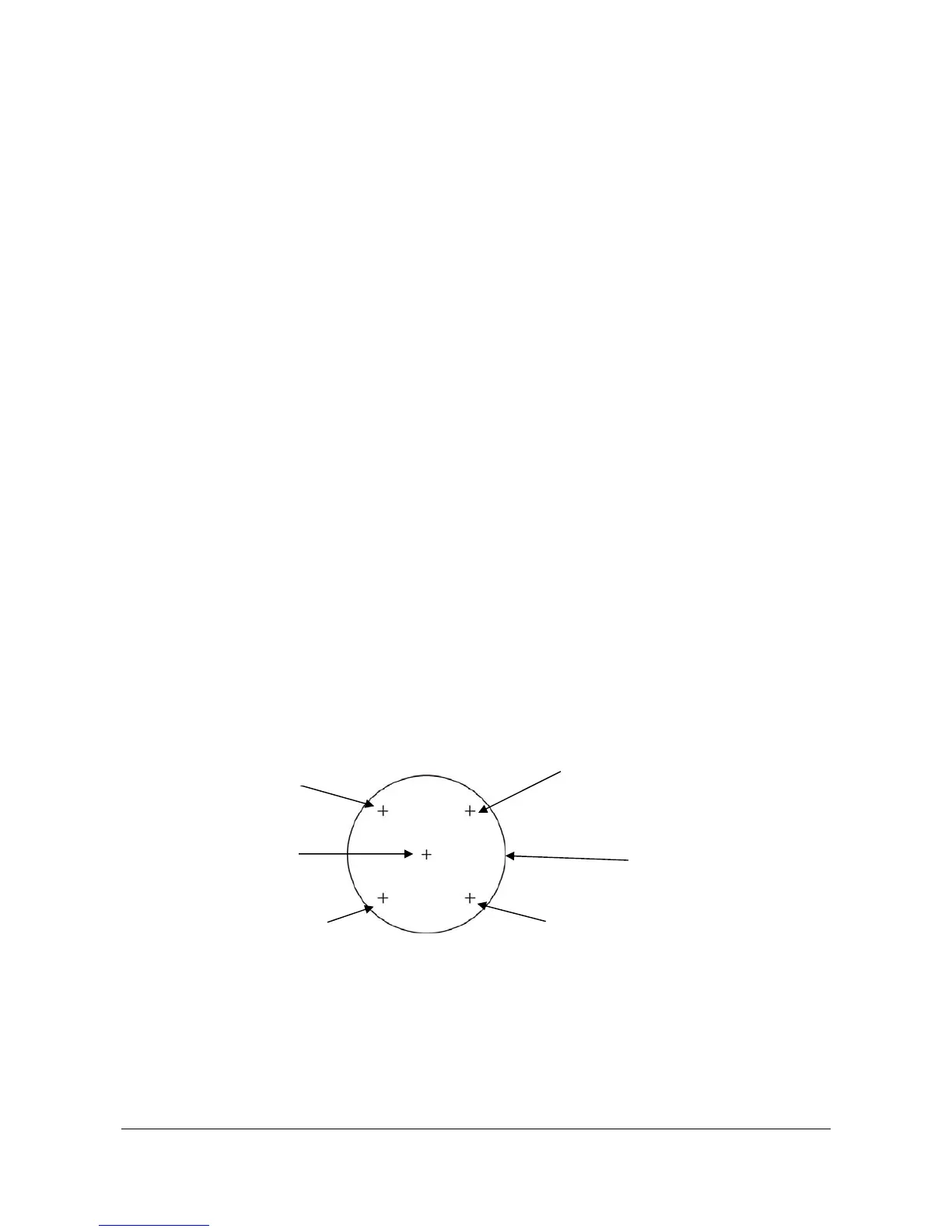
1. Paste the installation template sticker on the ceiling or wall
2. Drill 5 holes, 4 for screws A,B,C and D,
1 for the power/video cable.
Installation Template



 To Next Page