ED710/730 Ultra 720+ TVL Dome Camera
8
Important Notice
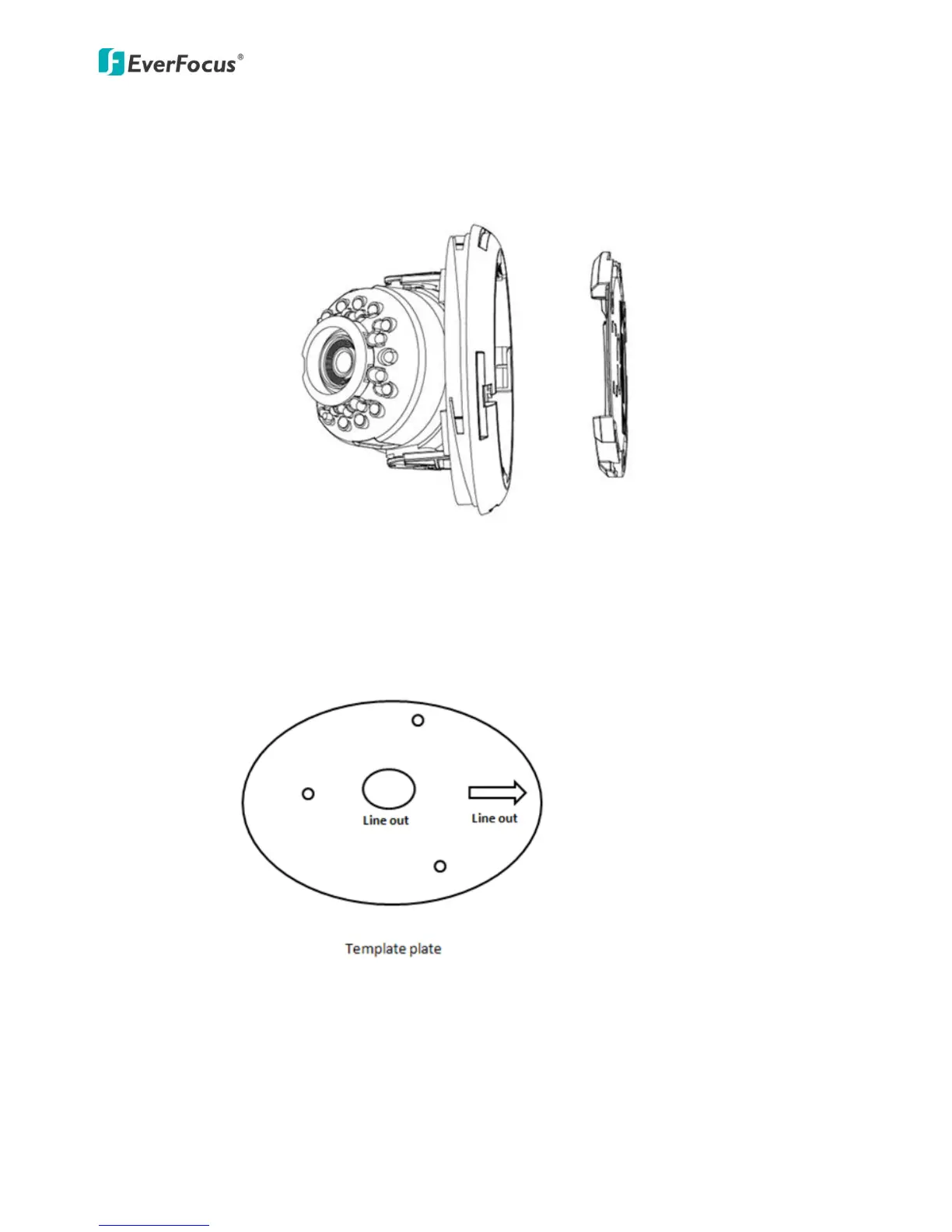
Please be noted the camera Base Plate may lose when you take out the camera from the pack. It is
because the Base Plate is attached to Camera Body without locking tightly in order to simplify the
installation procedure.
1. Stick the template plate on the position where you want to attach the camera, drill the
three holes on the template plate for screwing the camera with the supplied screws and
anchors, and the circle in the middle only if you want to wire the cables through the wall /
ceiling (the “Line out” mark represents the factory wiring position ).
2. Insert the supplied three anchors into the holes.



 To Next Page