- 10 -
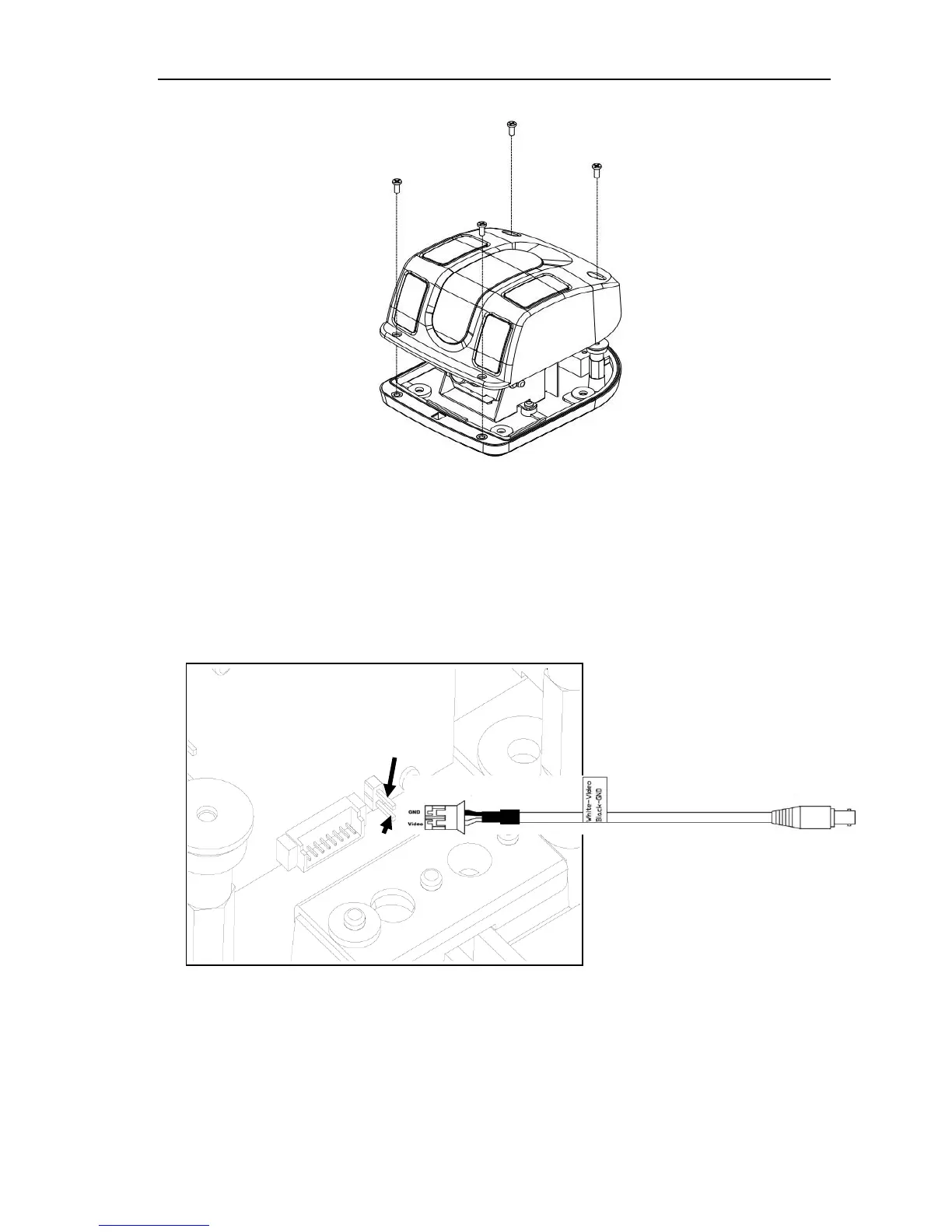
3. Attach the cover with the four screws removed during step A-1.
6. MOUNTING
A. Before mounting the Camera, please remove the cover as described above,
and attach the video test cable to the PCB board (note that the ground pin is the
upper pin).
B. Place the mounting template and drill 4 pilot holes (3.7mm diameter if plastic
anchors are not used) for the mounting screws using a drill, and a clearance hole
for the video/power cable connectors (typically 9/16” or more).



 To Next Page