- 8 -
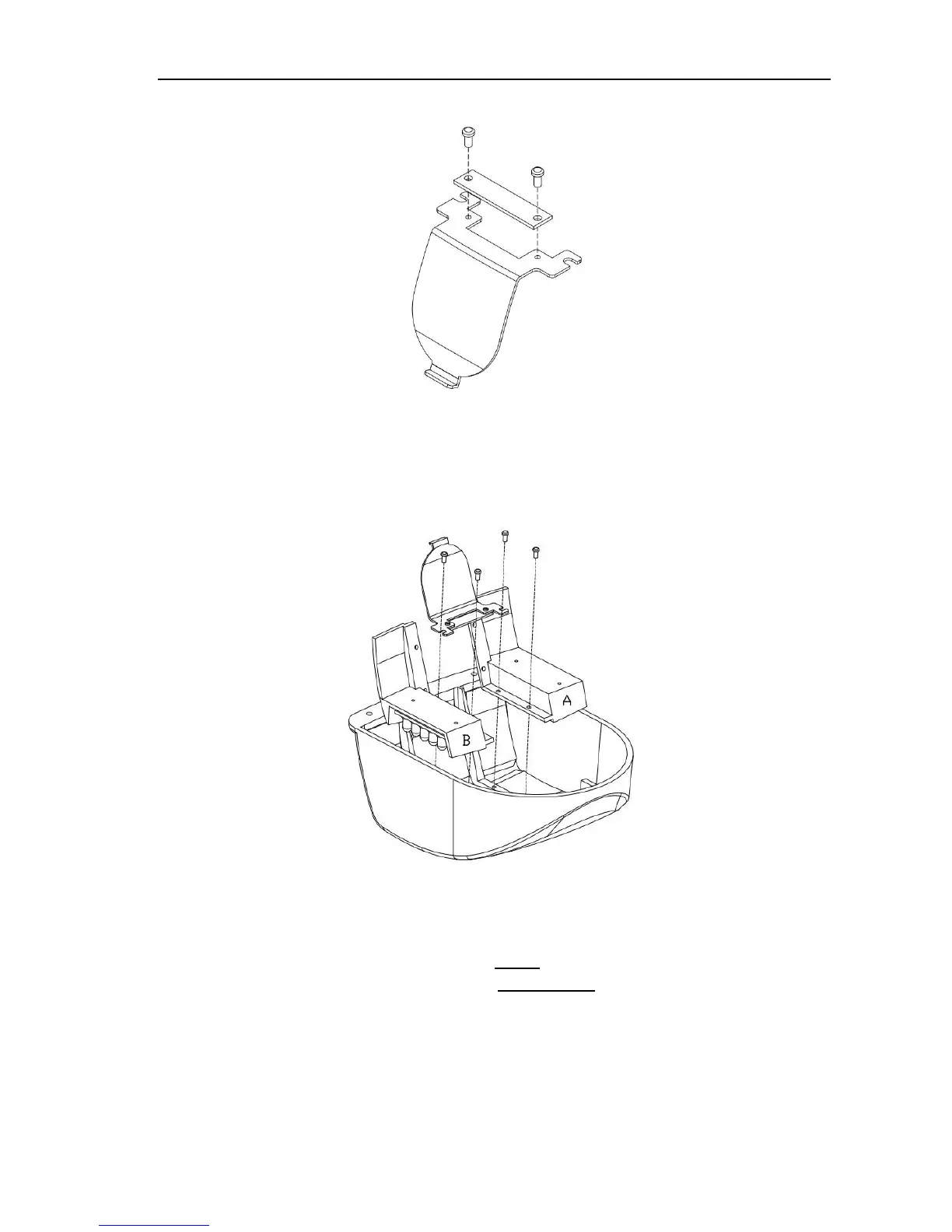
3. Reattach the light sensor to the “side” bracket with the same screws removed in
step 2.
4. Cross the IR LED panels to the opposite sides of the cover, and rotate them to
point out the side. Place the light senor bracket as shown. Use the 4 screws remove
in step 1 above to attach the IR LED panels and light sensor “side” bracket to the
camera cover.
E. Attach desiccant pack (DO THIS LAST JUST BEFORE CLOSING THE
HOUSING WHEN THE INSTALLATION IS COMPLETE.)
The desiccant pack has glue on it; use the glue to attach it on the left side of the
upper cover.



 To Next Page