37
SEASONING
-Press for 5 second to modify the next phase
-Choose the type of rest, MANUAL or AUTOMATIC of the second phase with ,
-Confirm with
,
-Repeat the same actions for all the 6 phases.
-Press
to go back to the Rest menu.
DELAY:
Interval between the beginning of a phase and the activation of the rest cycle during the same phase. It is possible to set the interval
for each phase.
-Modify the delay for the first phase with
-Confirm with
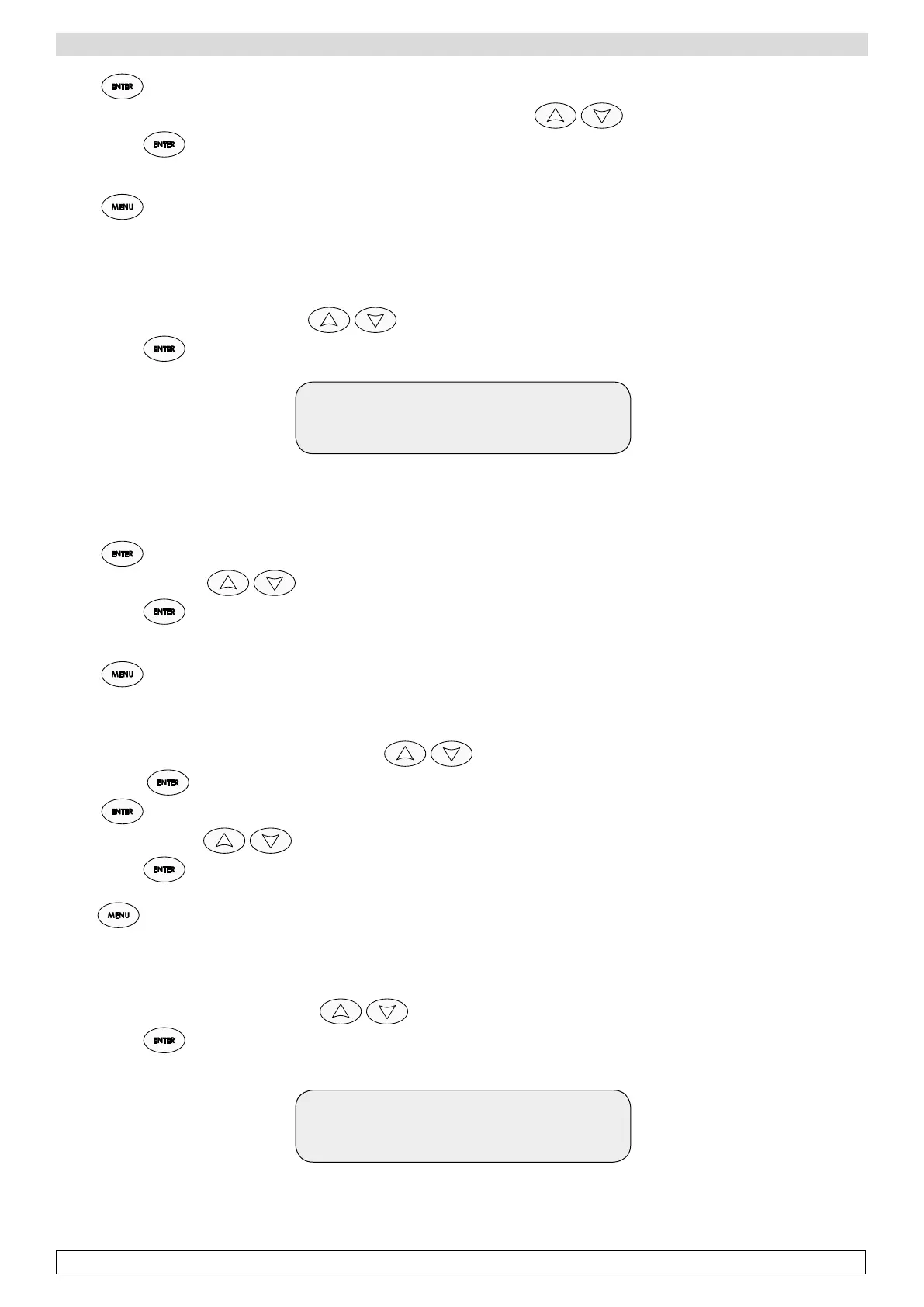
Delay 1: 2d
Current 1d
The display shows the set delay for phase 01 (1d - day)
and the value to be modified (required delay 2d - days)
-Press for 5 seconds to go to next phase.
-Modify the values with ,
-Confirm with ,
-Repeat the same actions for all the 6 phases,
-Press to come back to the Pause menu.
DURATION:
Duration of rest cycle in minutes.
-Modify the duration of the rest cycle of phase 1 with
-Confirm with
-Press for 5 seconds to go to the next phase.
-Modify the values with
-Confirm with
-Repeat the same actions for all the 6 phases
-Press to go back to the Rest menu.
INTERVAL:
Time between two Rest cycles. To be set for each phase.
-Modify the interval for the first phase with
-Confirm with
Interval: 6h
Current 8h
The display shows the set time interval for phase 01 between two rest cycles (8 h - hours)
and the value to be modified (required interval 6 h - hours)








 To Next Page