40
SEASONING
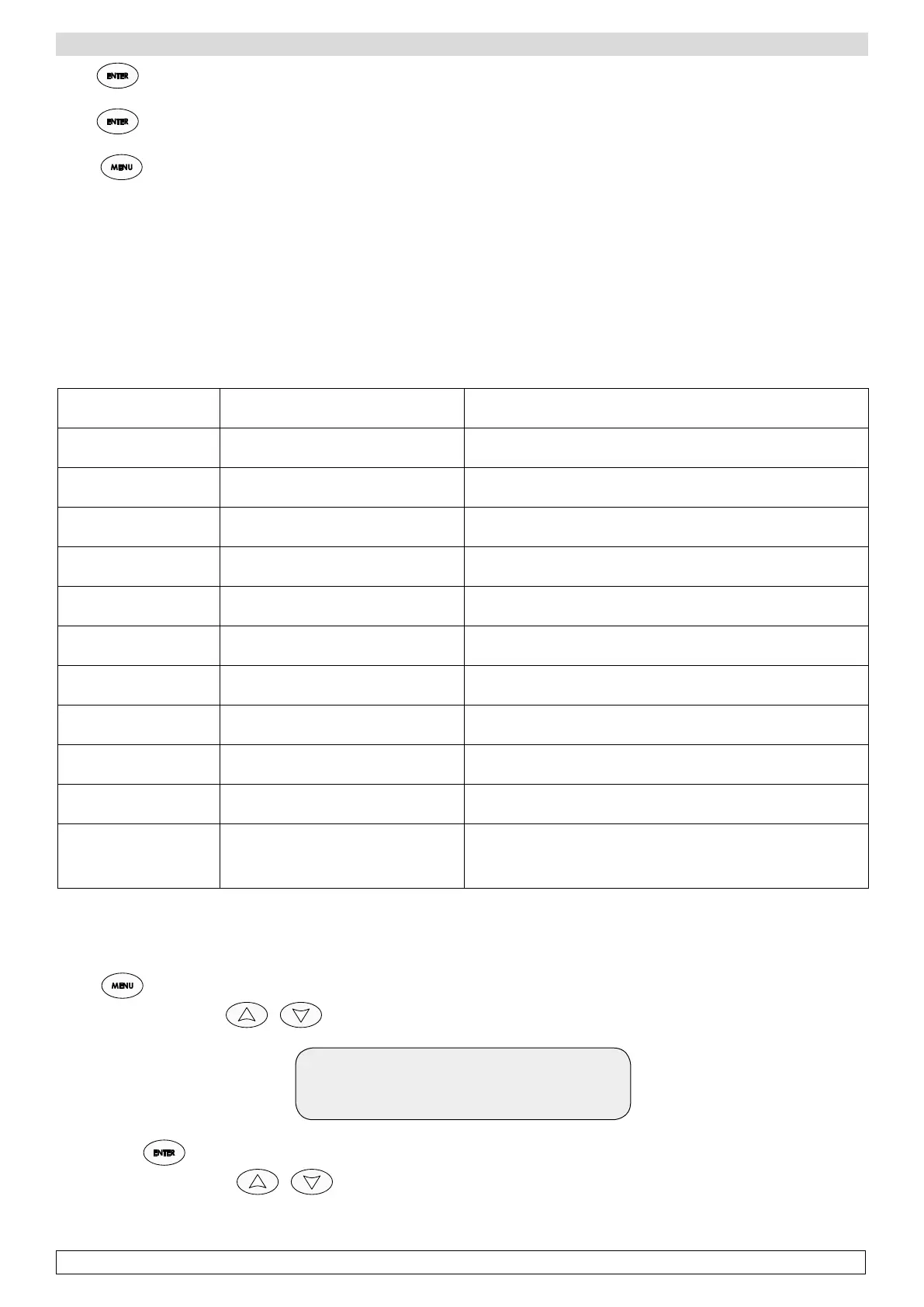
Press once to visualize:
-end time of alarm (if the alarm has already finished) or the information that it is still running
Press again to visualize:
-Max temperature (17 C) or min temperature detected during the alarm
Press to go back to main menu.
NOTE: BLACK OUT ALARM
This alarm indicates a lack of power.
When the cabinet is connected again to power, it completes the cycle to the end.
Example:
-23 days and 7 hours to the end of cycle
-lack of power for 5 hours (Black out alarm with its duration – 5 hours – is stored)
-once the cabinet is connected again to power, it will complete the program with the remaining 23 days and 7 hours.
ALARMS LIST
LABEL PROBLEM ACTION
High temp. room
Al.
Temperature inside the cabinet is
above the alarm mark
Check the operation of the refrigerant circuit
Low temp. room Al
Temperature inside the cabinet is
below the alarm mark
Check the operation of the heating circuit
Black out Al.
Lack of power to the cabinet Check the power line towards the cabinet
Room probe Al.
Broken room probe Replace the room probe
Evap. probe Al.
Broken evaporator probe Replace the evaporator probe
Low temp. eva-
porator Al
The evaporator temperature is below
the alarm mark
Check the operation of evaporator fan
Cond. probe Al.
Broken condenser probe Replace probe high temperature evaporator
High cond. temp.
Al.
The evaporator temperature is above
the alarm mark
Check the operation of condenser fan
Humidity probe
Al.
Broken humidity probe Replace humidity probe
Open door Al.
Door opened Close the door. Do not leave the door open for long time (20m)
Comp. use Al.
The compressor has worked for too
long during a day
Check the operation of refrigerating unit
p Print 10
Allowance to print the alarms occurred or working data (only when a printer is provided).
-Press
,
-Scroll the main menu with until you find the Menu 10 Print.
Print
Alarm
-Confirm with
-Scroll the print options with :








 To Next Page