49
Low pressure • Disabled
Compressor • Compressor digital output
Light • Internal light digital output
Humidity • Humidifier digital output
Cond Fan • Disabled
Defrosting • Defrosting resistance digital output
Resistances • Heating resistances digital output
Gen Vapour • Disabled
Evap Fan • Evaporator fan digital output
HISTORICAL DATA DISPLAY
It allows you to access to stored data and to select the ones you want either to record or to delete.
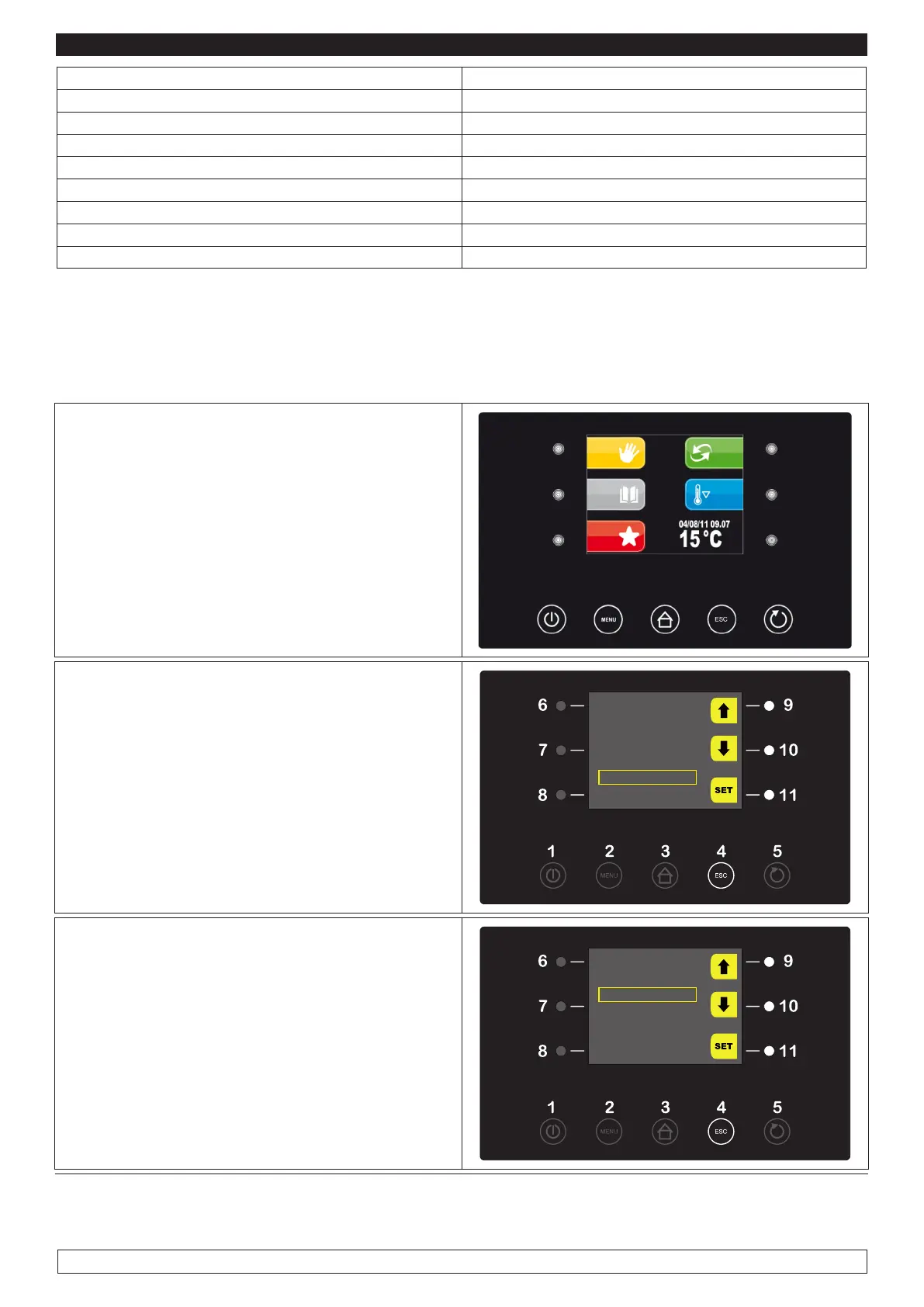
► Press key MENU (2),
2
► Select with the UP-DOWN keys (9-10) the
“SERVICE” menu item then press the SET key
(11)
OPTIONS
22/12/14 18:15
MANUAL DEFROST
ALARM LIST
INTERNAL VALUES
SERVICE
► Select with the UP-DOWN keys (9-10) the “HI-
STORY DATA” menu item then press the SET
key (11)
SERVICE
LANGUAGES
HISTORICAL DATA
INTERNAL SETTING








 To Next Page