HARD BLAST CHILLING CYCLE
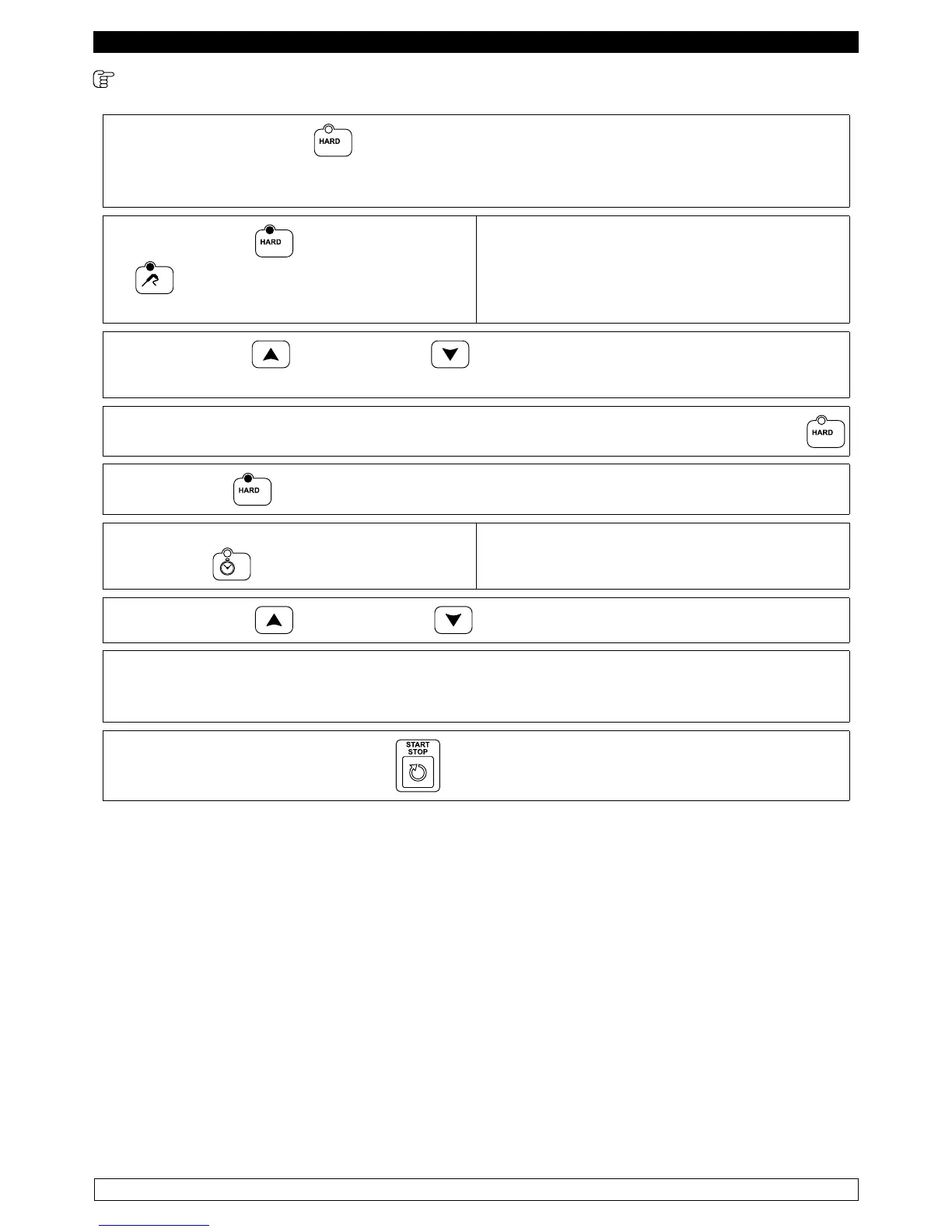
► Press the HARD button to select a HARD blast chilling cycle.
This type of cycle is divided into two phases, with two different cell setpoints.
By default, the selected cycle is controlled by the temperature of the needle probe.
► The HARD LED and TEMPERATURE
led are on.
The display DIS1 shows the cell setpoint of the
first phase, while the display DIS2 shows three
dashes
► The INCREASE and DECREASE buttons can be used to change the cell
setpoint.
► To change the cell setpoint of the second phase hold the HARD button for five seconds
► the HARD led flashes and the display DIS1 shows the cell setpoint of the second phase.
► To switch the cycle to a time cycle, press the
TIME button.
.
The display DIS2 shows the time.
► The INCREASE and DECREASE buttons can be used to change the time.
This value cannot exceed the value of the parameter, as this defines the total duration of the
hard blast chilling cycle.
The changes made are only temporary and are not saved.
► Pressing the START/STOP button starts the execution of the cycle
NOTE: The minimum acceptable value for the cell setpoint is -2°C and the maximum is 99°C.
The minimum value that can be set for the time is 0 minutes.


 To Next Page