9.2.4 Storing programs
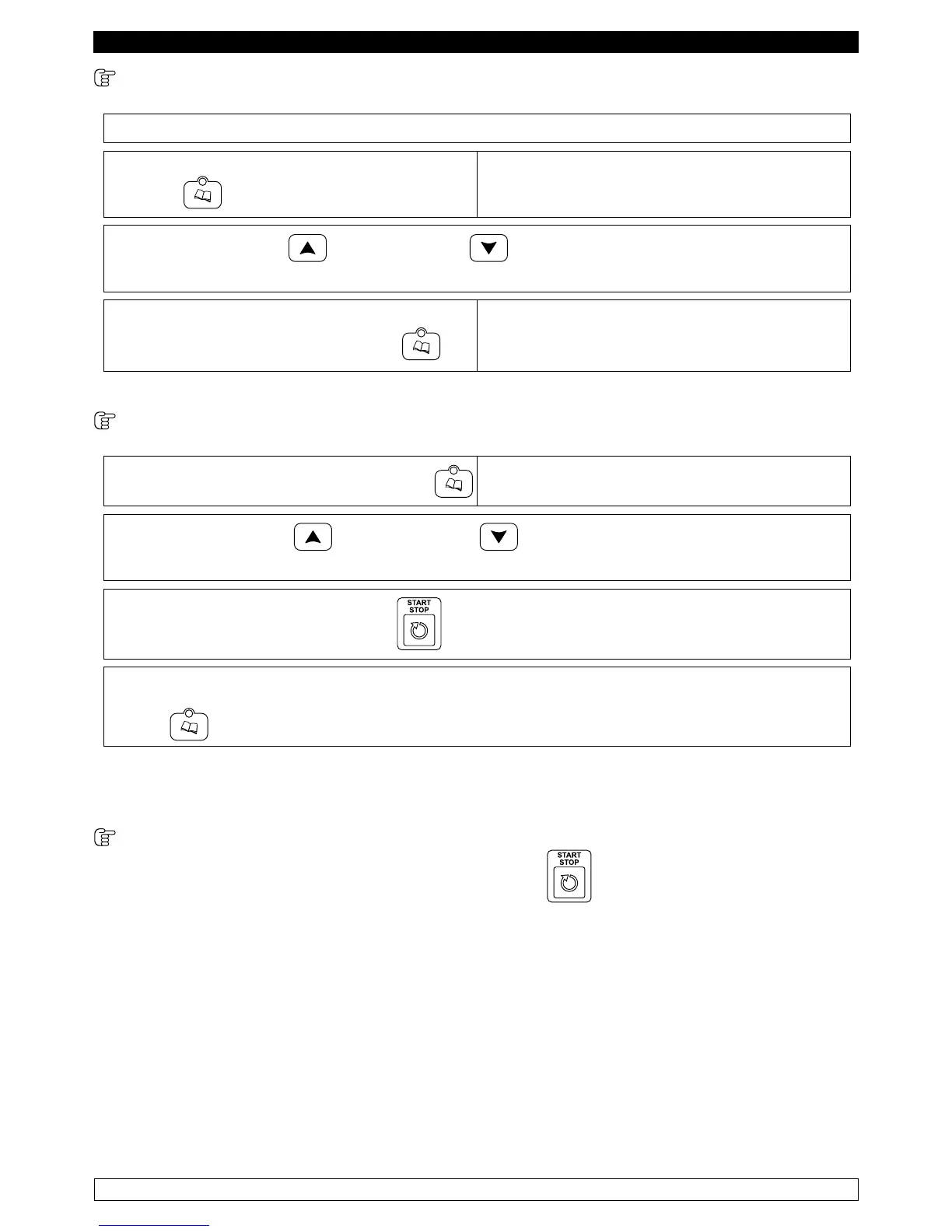
► Select a blast chilling/freezing cycle with temperature or time.
► Then press the PROGRAMS button for five
seconds. .
The display DIS1 shows “P” followed by the
number of the first free program
► With the INCREASE and DECREASE buttons you can select the program number
you want to store.
The selected cycle is stored by pressing the
PROGRAMS button for five seconds.
.
If you select a program that was already written,
it will be deleted and rewritten.
There are 99 programs available.
9.2.5 Selecting programs
► To recall a stored program PROGRAMS
The display DIS1 shows “P 1”
► With the INCREASE and DECREASE buttons can be used to select the desired
program.
► Pressing the START/STOP button starts the execution of the program.
►
When the program is running you can see the number of the program by pressing the PROGRAM
button.
.
The stored programs are the normal blast chilling/freezing cycles.
9.2.6 display cycles status
After selecting a cycle, pressing the START/STOP button
will display it.
The mode of running the cycles is shown in the following paragraphs.


 To Next Page