11
Ver. 0517
8.3.6.2 Alarm setting (touch-button (4) Fig.15)
With this menu is possible to set the desired alarm limits for both the Chamber alarm limits (air temperature into the appliance) and
the Product simulation alarm limits (temperature of the products stored into the appliance simulated with a ballasting of 250 ml of
water or anti-freezing liquid).
To access to the ALARM SETTING menu, press the touch-button (4) while the display shows the rst page of the setting menu
(Fig.15).
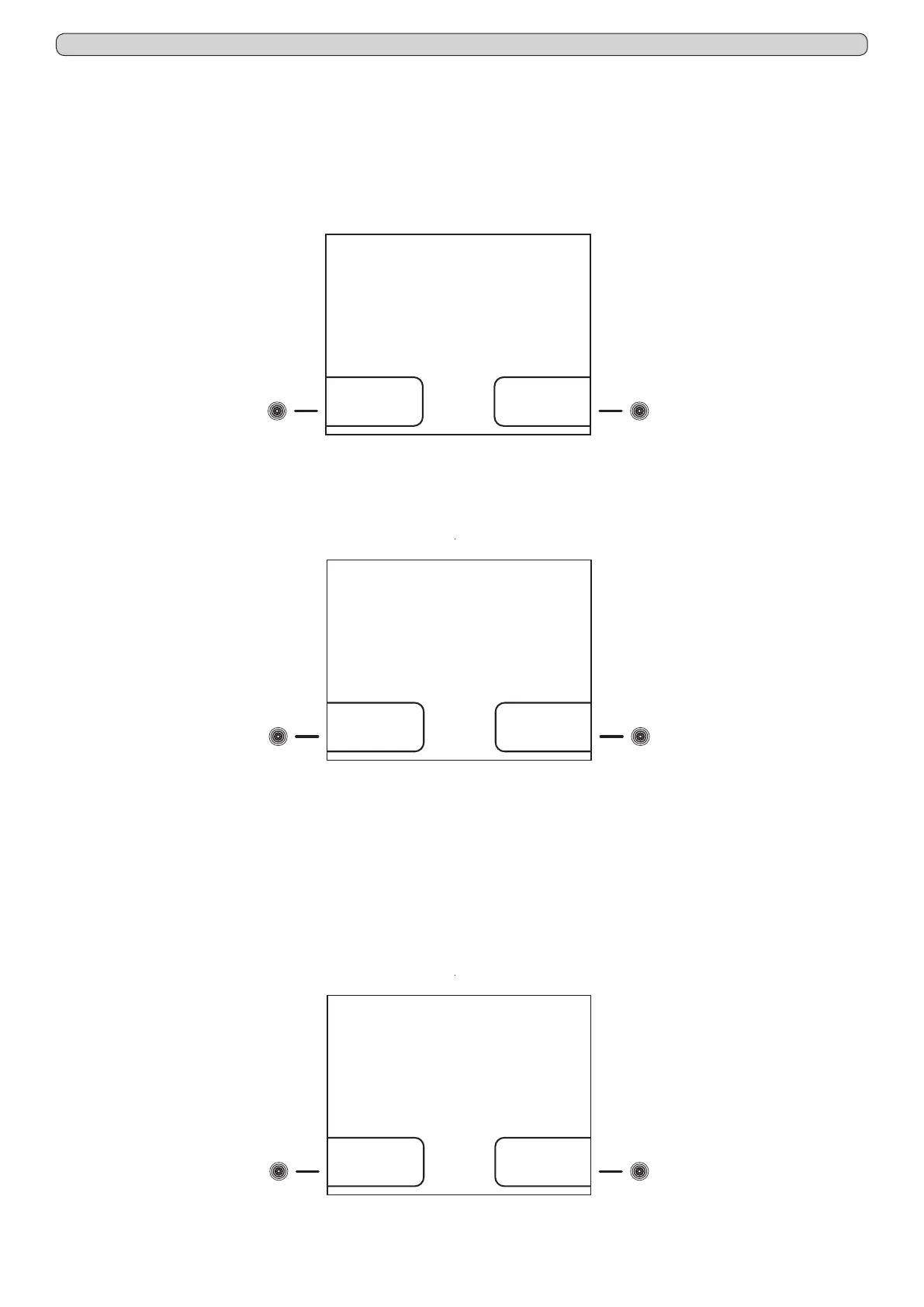
Into the ALARM SETTING menu, there are present 2 sub-menus (Fig.17) that allow to modify the alarm limits both related to the
chamber temperature and to the product simulation (if the optionally available extra sensor is installed).
To set Chamber alarm limits, proceed as follow:
- from the sub-menu ALARM SETTINGS (Fig.17) press the touch-button (4) to access to the screen-shot CHAMBER ALARM
SETTING (Fig.18).
- press the touch-button (4) to access to the screen-shot SETTING CHAMBER LOW TEMPERATURE ALARM
- press the touch-button (4)- and (7)+ to set the desired value
or
- press the touch-button (7) to access to the screen-shot SETTING CHAMBER HIGH TEMPERATURE ALARM
- press the touch-button (4)- and (7)+ to set the desired value
- press the ENTER touch-button (12) to conrm the new setting and the ESC touch-button (11) to return back to the previous
menu or HOME touch-button (10) to return back to the main screen-shot
To set Product simulation sensor alarm limits, proceed as follow:
- from the sub-menu ALARM SETTING (Fig.17) press the touch-button (7) to access to the screen-shot PRODUCT ALARM
SETTING (Fig.19)
- press the touch-button (4) to access to the screen-shot SETTING PRODUCT LOW TEMPERATURE ALARM
Product
simulation
sensor
Chamber alarm
ALARM SETTINGS
Fig.17
(4) (7)
Fig.18
(4) (7)
High
temperature
Low
temperature
CHAMBER ALARM
SETTING
Fig.19
(4) (7)
High
temperature
Low
temperature
PRODUCT ALARM
SETTING


 To Next Page