6 Settings Menu
50/ 106 e’line User Manual | © Eversys AG
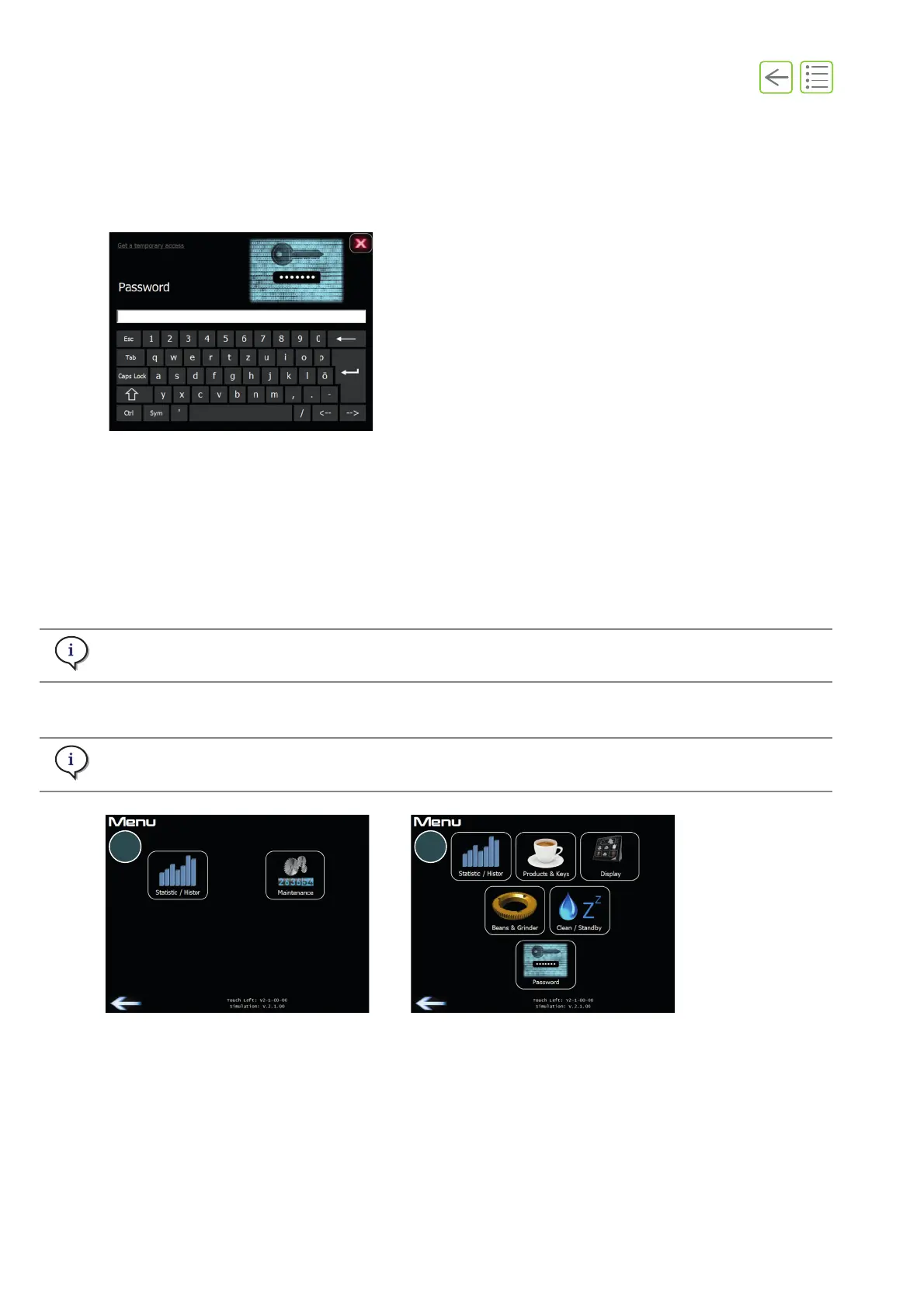
6.1 Login menu
A. Press and hold the login area (see “3.2.1 Header strip” on page 31).
The login menu displays.
B. Type in your password to access the settings menu.
C. If you do not have a password, it is possible to request a temporary password. Press Get a temporary
access and provide your service organization with the number displayed.
The settings Menu displays.
(1) Menu example with operator access.
(2) Menu example with manager access.
Fig. 6-1
Operator access lets you view statistics (product counter) and cleaning history.
Limited access for product settings and display functions. Full access to all statistics and history.
Fig. 6-2










 To Next Page