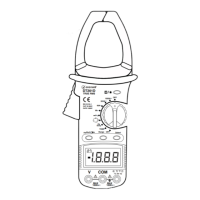
a. Transformer Jaws
Pick up the AC Current flowing through the conductor.
b. Trigger
Press the level to open the transformer jaws when the finger
press on the level is released the jaws will close again.
c. Hz/Duty Button
Push this button to select Hz or DUTY CYCLE
measurement, at Hz positing. at AC curent position, can
measure frequency .
d. Range Button
AC/DC voltage, AC current and resistance measuring
ranges can be selected manually or automatically by
pushing the range control button. Push this button as follows
to choose range control mode and needed ranges.
e. Display
3 5/6 digit LCD, with a max. reading of 5999
f. “ ” Input Connect
High input for all except voltage , measurement will accept
banana plugs.
g. COM Input Jack
Low input for all voltage, resistance, and continuity etc
measurement will accept banana plugs.
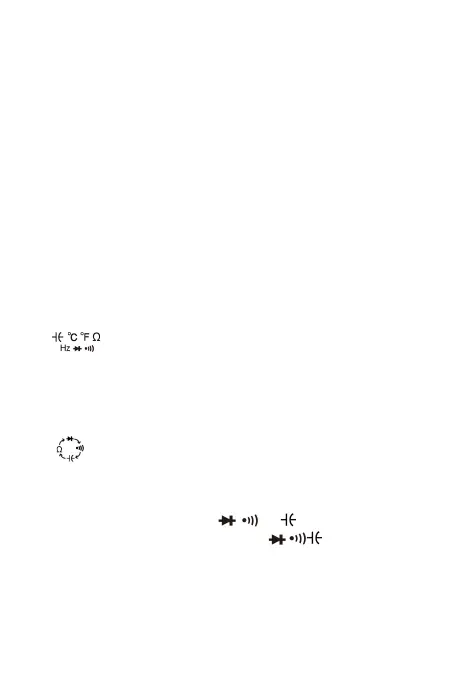
h. “ ” Range
Resistance,continuty,capacitance,diode , Push select button
to choose needed ranges.
i. Selecting Button
Push this button to select Ω, , or measuring function
when the function switch is set at Ω range.
j. Function Switch / Range Switch
This switch can be used to select desired function and
range.
k. D. Hold Button
When this button is pushed, LCD will show the last reading,
-6-


 To Next Page