EVGA Z370 MICRO (121-KS-E375)
- 30 -
3. Gently push the M.2 device down on the raised end. There will be some tension -
this is normal - then use the screw you removed in Step 1 to secure the device.
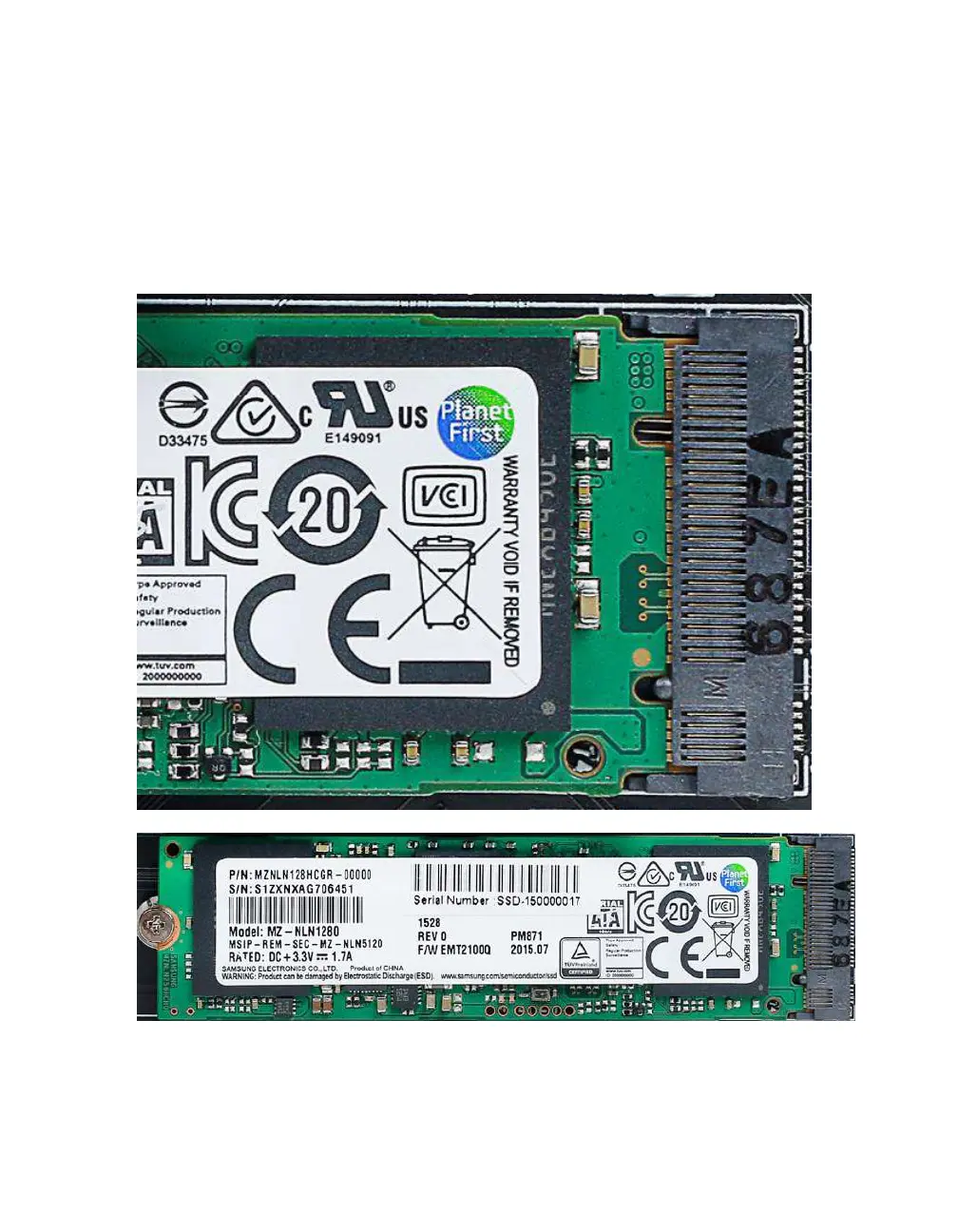
Below, you can see that the contacts will be nearly invisible when the device is properly
seated and the copper mounting semi-circle is partially visible around the screw.



 To Next Page