EVGA Z87 Motherboard
13
Installing System Memory (DIMMs)
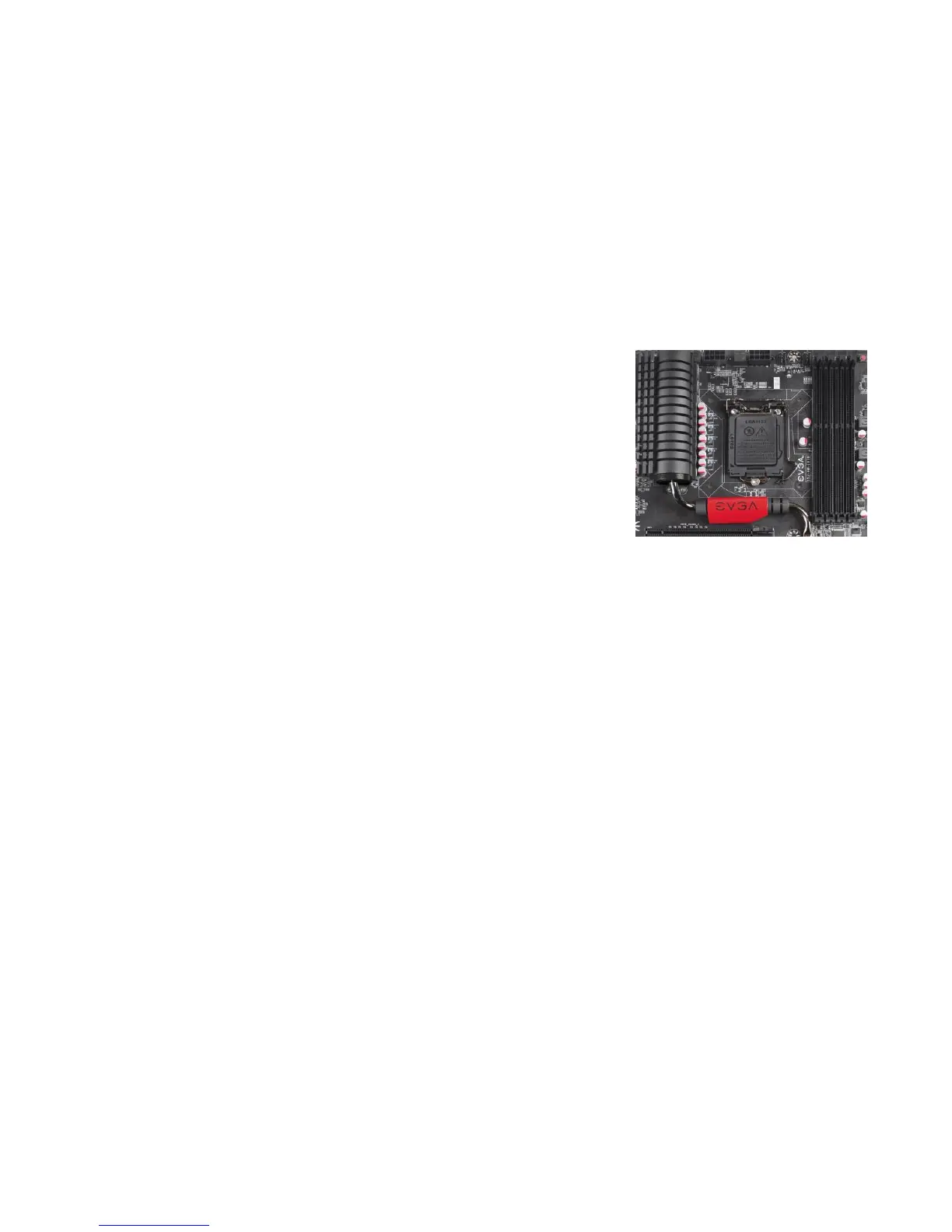
Your new motherboard has four or two 240-pin slots for DDR3 memory.
These slots support 2GB, 4GB and 8GB DDR3 DIMMs. There must be at
least one memory slot populated to ensure normal operation.
The Intel Z87 chipset supports dual channel
memory; please refer to the visual installation guide
for the proper installation procedure.
Use the following procedure to install DIMMs.
Note that there is only one gap near the center of
the DIMM slots. This slot matches the slot on the
DIMM to ensure the component is installed
properly.
Unlock a DIMM slot by pressing the module clip outward.
Align the memory module to the DIMM slot, and insert the module
vertically into the DIMM slot. The plastic clips at top side of the
DIMM slot automatically lock the DIMM into the connector.



 To Next Page