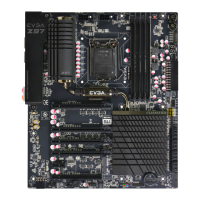
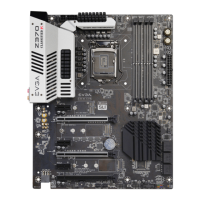
EVGA Z87 Motherboard
2
Table of Contents
Before You Begin… ...................................................................................................................... 4
Parts NOT in the Kit .................................................................................................................... 5
Intentions of the Kit ...................................................................................................................... 5
Motherboard Specifications ..................................................................................................... 7-8
Unpacking and Parts Descriptions .............................................................................................. 8
Equipment................................................................................................................................. 9-10
Hardware Installation .................................................................................................................. 10
Safety Instructions .......................................................................................................................10
Preparing the Motherboard ........................................................................................................11
Installing the CPU........................................................................................................................11
Installing the Cooling Device .....................................................................................................12
Installing System Memory (DIMMs) ........................................................................................13
Installing the Motherboard .........................................................................................................14
Installing the I/O Shield .............................................................................................................14
Securing the Motherboard into a System Case .......................................................................15
Connecting Cables .......................................................................................................................15
24pin ATX Power (PW1) ...........................................................................................................16
8pin ATX 12V Power .................................................................................................................17
BIOS Select Switch (optional) ...................................................................................................17
Connecting Internal Headers .....................................................................................................18
Front Panel Header .....................................................................................................................18
USB Headers ................................................................................................................................19



 To Next Page