EasyManua.ls Logo

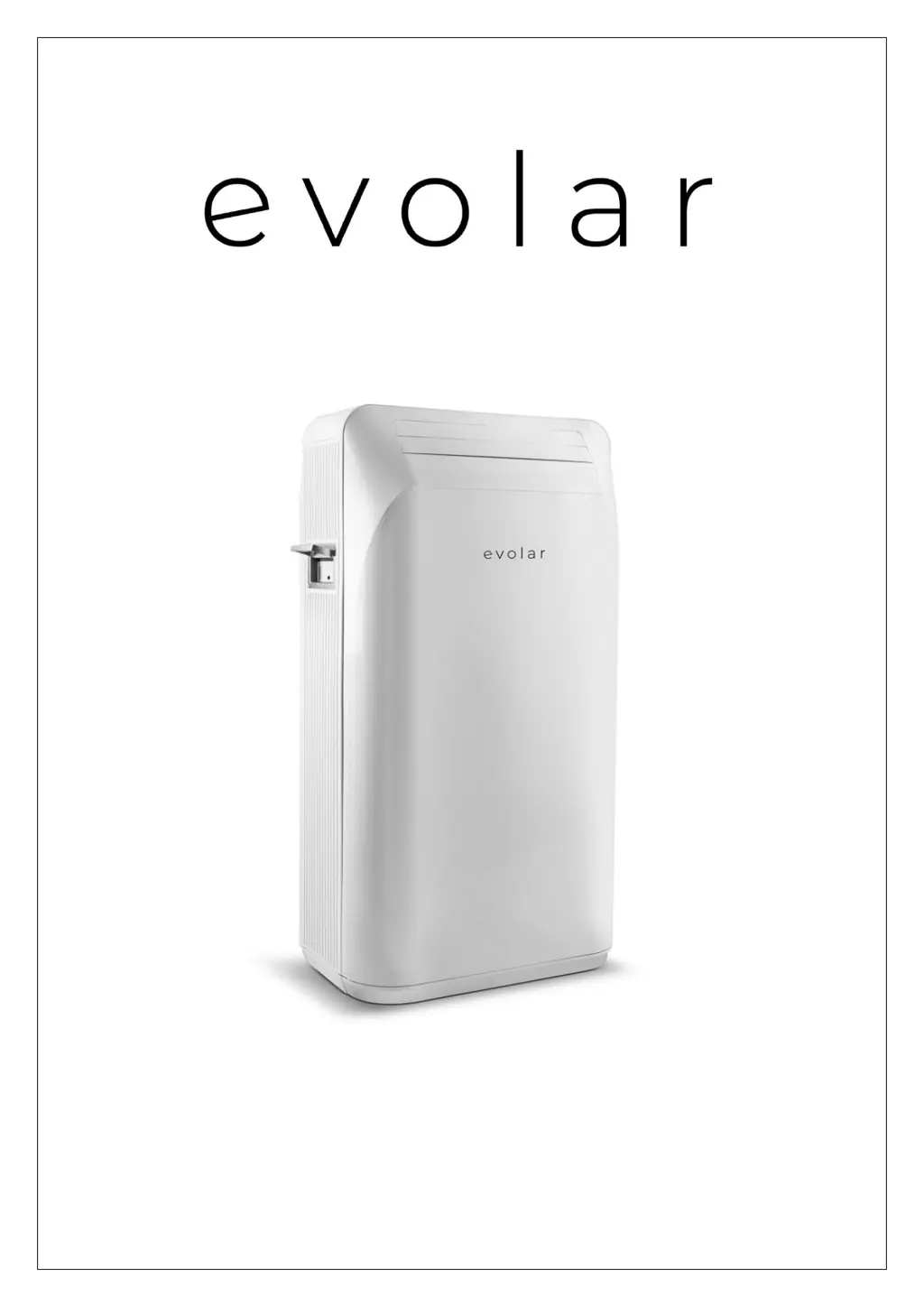
Evolar EVO-ES9000 - User Manual

Evolar EVO-ES9000
48 pages
Go to English
Print Icon
To Next Page IconTo Next Page
Loading...
Handleiding mobiele airconditioner:
Installatie- en bedieningshandleiding V3
Evolar EVO-ES9000

Questions and Answers

  • R
    Richard LarsonAug 16, 2025
    Why is my Evolar Air Conditioner not cooling (heating) properly?
    • K
      kellyclarkAug 16, 2025
      If your Evolar Air Conditioner isn't cooling or heating effectively, ensure all doors and windows are closed to prevent cold or heat leakage. Remove any nearby heat or cold sources. Additionally, a dirty filter can reduce performance; clean or replace it. Make sure that nothing is blocking the air inlet or outlet to ensure good air circulation.
  • S
    Steven MarshallAug 19, 2025
    Why is my Evolar Air Conditioner not cooling or heating properly?
    • J
      Joanne HesterSep 12, 2025
      The Evolar Air Conditioner might not be cooling or heating effectively because doors and windows are open, leading to cold or heat leakage, or there are other heat/cold sources present. Try closing any open doors or windows and removing any nearby heat or cold sources. Another reason might be a dirty filter, so try cleaning or replacing it. Also, check for blockages at the air inlet or outlet that could be affecting air circulation and remove any obstructions.
  • Y
    yreillyAug 22, 2025
    How to fix an Evolar EVO-ES9000 that is not working?
    • D
      Dalton BonillaAug 22, 2025
      If your Evolar Air Conditioner is not working, first, ensure that the power is turned on. Next, verify that the set temperature hasn't already been reached. Also, remember that there is a waiting time of three minutes when switching between cooling and heating modes; wait more than three minutes before trying again.
  • W
    wendywilsonAug 26, 2025
    What to do if the compressor on my Evolar EVO-ES9000 is not working?
    • M
      mariehernandezAug 26, 2025
      If the compressor of your Evolar Air Conditioner isn't working, it may be due to compressor delay protection being enabled. Wait longer than 3 minutes and switch on the air conditioner after the temperature has dropped. Alternatively, in cooling mode, the compressor might not start if the water temperature hasn't reached the required level; the water cycle is used for cooling in the meantime. The compressor will automatically start for cooling once the water cycle cooling is complete.
  • T
    tracyjohnsonAug 28, 2025
    How to reduce noise from my Evolar Air Conditioner?
    • G
      Glenda PowersAug 28, 2025
      If your Evolar Air Conditioner is noisy, make sure it is placed on a flat and solid surface to ensure it is leveled and stable.
  • C
    Christine MartinAug 31, 2025
    Why does my Evolar Air Conditioner form condensation during cold storage?
    • S
      sanchezjamesAug 31, 2025
      The condensation on the front and rear panels of your Evolar Air Conditioner during cold storage is not an error. It's due to high humidity and cold water vapor in the air. You can continue to use it. Check whether you have switched off the dew removal function.
  • K
    Kimberly MackSep 3, 2025
    What to do if my Evolar Air Conditioner is not working?
    • T
      Thomas GuzmanSep 3, 2025
      If your Evolar Air Conditioner isn't working, first, ensure that the power is on. If it's on but cooling, dehumidifying, or heating isn't starting, check if the set temperature has been reached. Also, remember that after switching between cooling and heating, there's a waiting time of three minutes. Wait more than three minutes before trying again.
  • T
    Todd AdamsSep 6, 2025
    Why is the compressor not working in my Evolar Air Conditioner?
    • D
      Dana MorrisSep 6, 2025
      If the compressor in your Evolar Air Conditioner isn't working, it could be due to compressor delay protection being enabled. Wait longer than 3 minutes, and switch on the air conditioner after the temperature has dropped. Also, in cooling mode, if the water temperature does not reach the compressor start state, the water cycle is used for cooling and the compressor does not start at this time. When the water cycle cooling is complete, the compressor is automatically started for cooling.
  • A
    Anthony WilliamsSep 9, 2025
    How to fix a noisy Evolar Air Conditioner?
    • L
      Lauren WallerSep 9, 2025
      If your Evolar Air Conditioner is making noise, it might not be leveled or stable. Try placing the air conditioning unit on a flat and solid surface.
  • G
    Garrett DoughertySep 12, 2025
    What to do if my Evolar Air Conditioner has condensation?
    • C
      Cody HarrisSep 12, 2025
      During cold storage, the formation of condensation on the front and rear panels of your Evolar Air Conditioner is not an error. When the humidity is high and the water vapor in the air is cold, dew condensation may occur on the air conditioning. You can continue to use it, but check whether you have switched off the dew removal function.

Summary

Safety Precautions

Safety Instructions

Refrigerant R290 Safety

Air Conditioner Description

Parts Identification

Identifies and labels the main physical components of the air conditioner.

Accessories

Control Panel Overview

Control Panel Buttons

Details the functions of individual buttons on the control panel (Power, Drainage, Inflow, +/-).

Screen Display Indicators

Explains the indicators and information shown on the device's display screen.

Control Panel Functions

Mode and Speed Selection

Covers selection of operating modes (Heat, Cool, etc.) and fan speed.

Timing and Preset Settings

Details how to set timers and presets for device operation.

Installation Guide

User Instructions

General Operation Guide

Step-by-step guide for operating the air conditioner, including basic maintenance.

Important Usage Notes

Highlights critical usage advice and precautions for optimal performance and safety.

Operating the Air Conditioner

Power Connection and Water Filling

Instructions for connecting the power supply and filling the water reservoir.

Cooling Mode Operation

Guide to operating the unit in cooling mode, including temperature and speed settings.

Advanced Operating Modes

Strong Cooling and Dehumidification

Details on using strong cooling and dehumidification modes.

Cold Storage Function

Explanation of the cold storage feature and its operational parameters.

Storage and Heating Modes

Cold Storage Details

Further information on the cold storage function, including notes and ventilation.

Heat Storage and Heating

Guide to using heat storage and operating the unit in heating mode.

Heating and Ventilation

Heating Mode Notes

Additional notes on heating mode, including water temperature and usage.

Ventilation and Preset Functions

Instructions for ventilation mode and setting presets.

Preset and Timer Operations

Preset Usage and Cancellation

Details on setting, cancelling presets, and important notes for their use.

Timer Functionality

Instructions for setting and confirming the timer for various operational modes.

Advanced Features

Child Lock and Condensate Drain

How to use child lock and manage condensate drainage.

Water Drainage Procedures

Step-by-step guide for draining water from the internal reservoir.

TuyaSmart App Setup

App Download and Registration

Steps for downloading the TuyaSmart app and registering a new account.

Login and Password Recovery

Instructions for logging into the app or recovering a forgotten password.

App Connectivity and Control

WiFi Connection and Mobile Login

Guide for connecting the device to WiFi and logging in via mobile number.

Remote Device Control

Details on controlling the air conditioner's functions remotely via the app.

Maintenance Guide

Cleaning and Filter Care

Instructions for cleaning the exterior of the unit and its filter.

Water Reservoir Maintenance

Recommendations for regularly changing the water in the unit's reservoir.

Seasonal Maintenance and Errors

Long-Term Storage Procedures

Steps for maintaining the unit when not in use for extended periods.

Error Code Solutions

Explanation of error codes (E1, E2) and their corresponding solutions.

Troubleshooting Common Issues

Unit Not Working

Diagnoses reasons why the unit may not start and suggests solutions.

Performance Issues

Addresses issues with reduced cooling or heating efficiency and their causes.

Noise and Compressor Problems

Explains causes for unusual noise and compressor not working correctly.

Product Information

Warranty and Support

Details on product warranty, environmental disposal, and customer support.

Evolar EVO-ES9000 Specifications

General IconGeneral
Power Supply220-240V, 50Hz
Energy Efficiency Ratio (EER)3.2
TypeSplit System
WeightOutdoor: 25 kg
FeaturesSleep Mode, Timer, Remote Control
Cooling Capacity9000 BTU/h