Moving Beam 7R User’s Manual Ver. 1.00 Page22
How to use
Do not switch on the appliance if it has undergone a significant temperature change. Wait for the
condensation to disappear before use.
When you connect the AC power cable and turn on the power switch on the back of the unit, the
unit starts up and displays a greeting on the front panel display :
Configuration
o Navigation in the menu
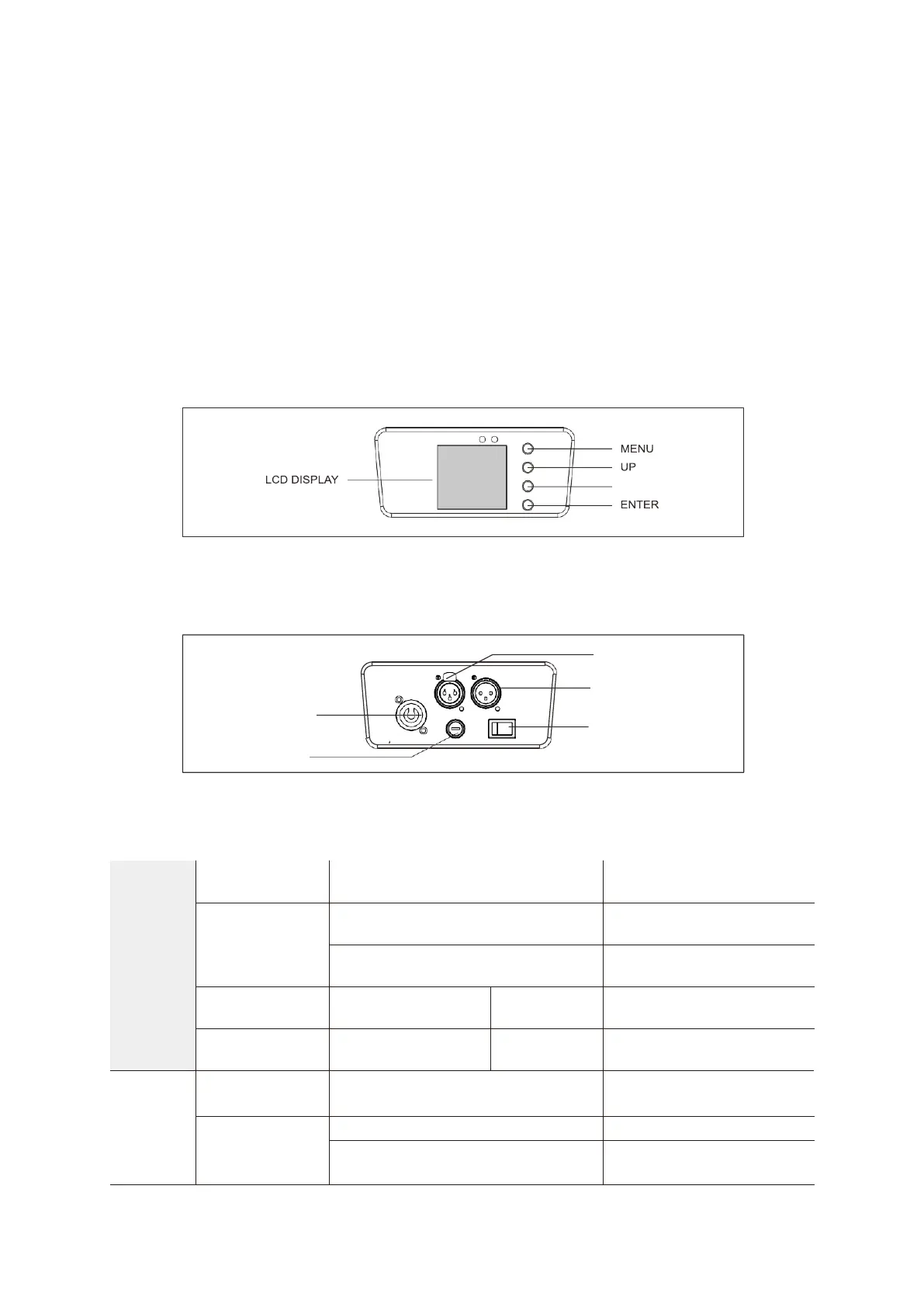
Control panel :
Access the menu directly by pressing the Menu key and move through the menus with the
UP & DOWN keys. Press the ENTER key to confirm your choices and values.
MENU
MENU
Description


 To Next Page