Windows Install
Before connecting Evoluent Mouse, go to Control
Panel, Add or Remove Programs and remove any
previous Evoluent Mouse Manager and any other
mouse software, except touchpad driver. If there is
no mouse software listed, skip this step.
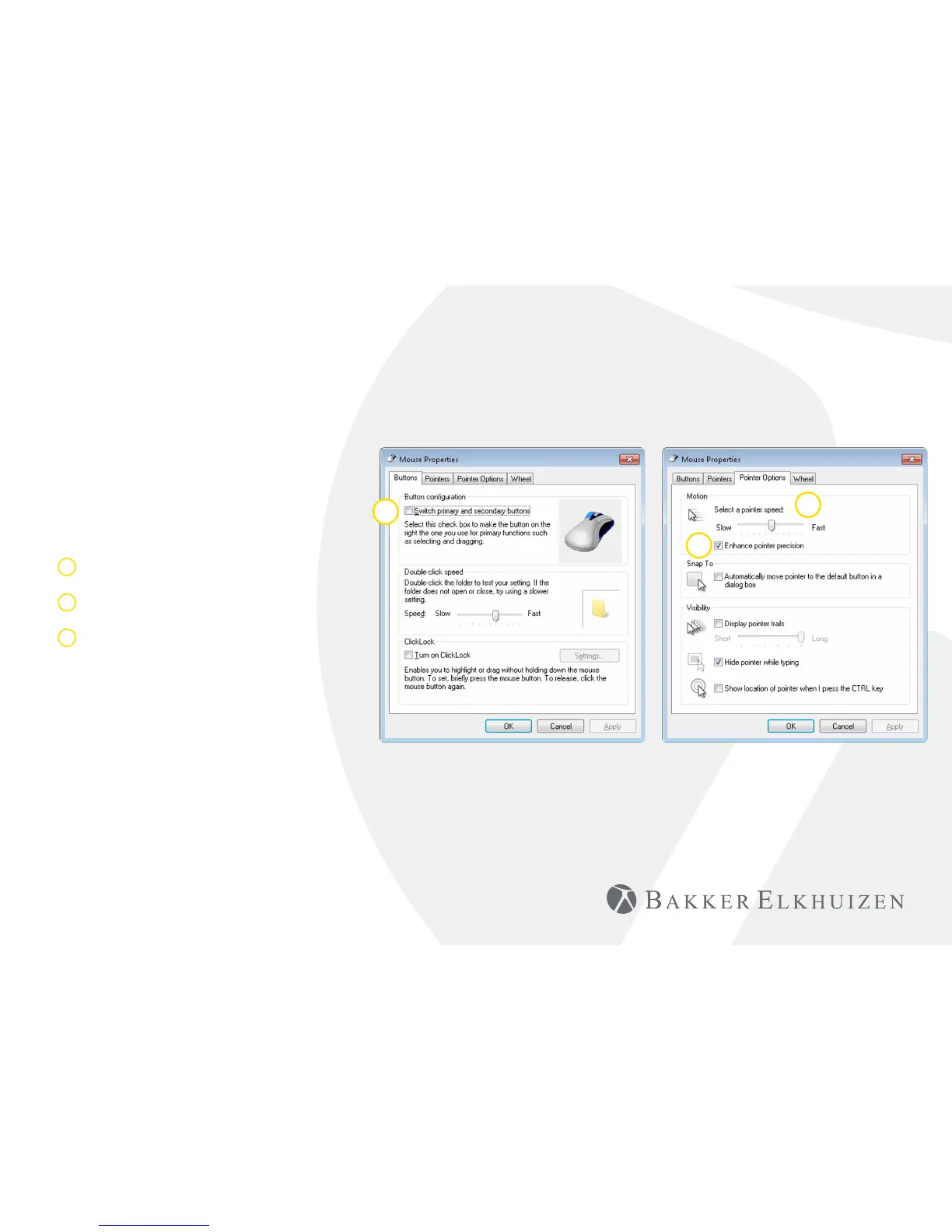
• Before connecting the Evoluent Mouse, go to
Control Panel, Mouse, and:
1. Uncheck the box for Swap Primary and
Secondary Buttons.
2. Check the box for Enhance Pointer Precision.
This is very important.
3. In Pointer Options, set the pointer speed slider
to the middle position.
• Insert the USB connector into a USB port directly
on the computer.
• If the Add Hardware Wizard appears, do not
select Search for Best Driver, but choose Display
All Drivers, and select Human Interface Device
(HID) Compliant Mouse.
1
2
3
Vertical Mouse
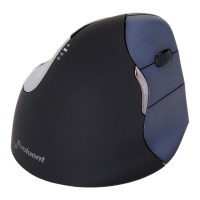
Evoluent 4 Wireless


 To Next Page