Driver
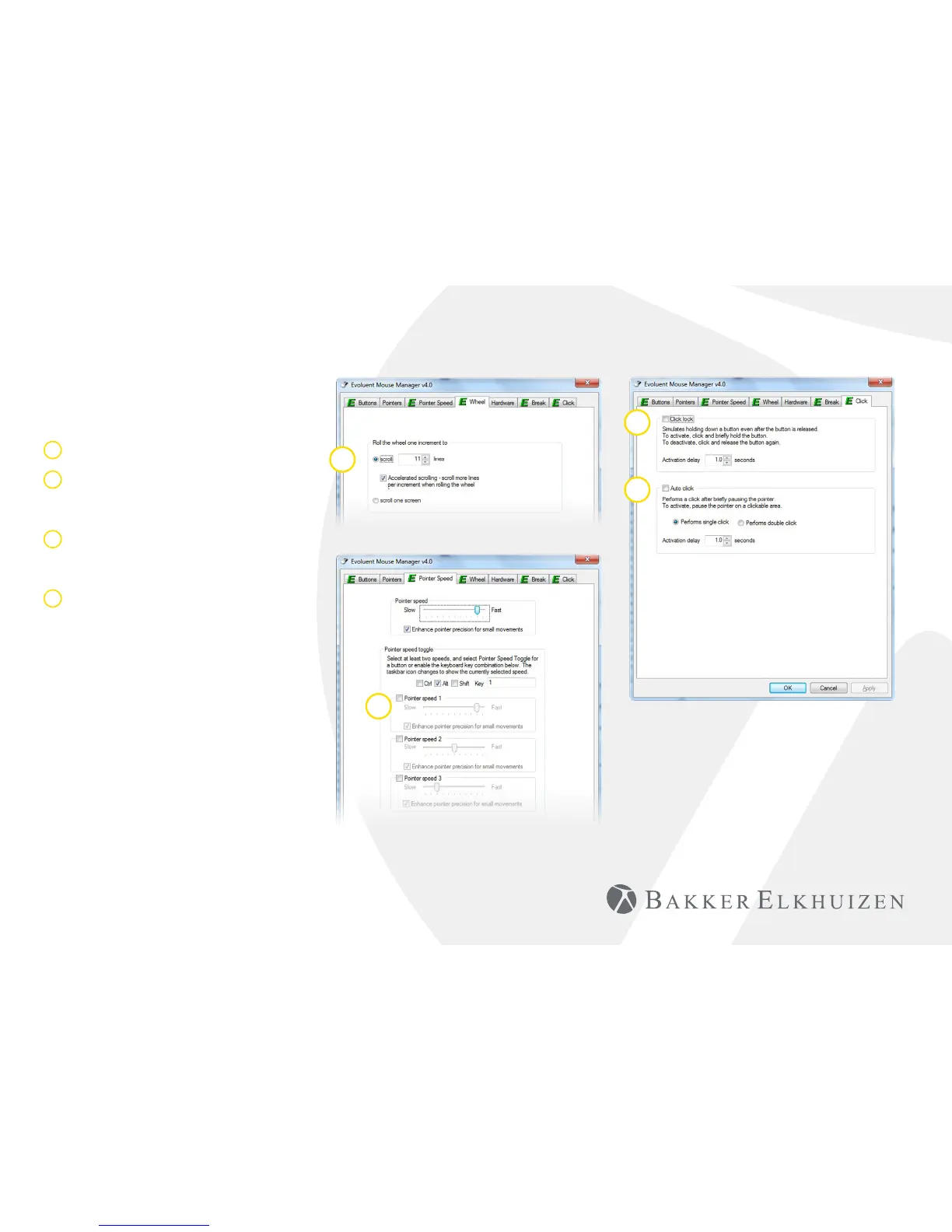
1 Adjust the speed of the scroll wheel.
2 Here you can set 2 or 3 speeds. By
setting a key combination you can
toggle between the speeds.
3 The click lock functions enables you to
keep the left mouse button activated.
Deactivate with another click.
4 The auto click function creates an
automatic click after a set time on a
clickable area.
1
3
4
2
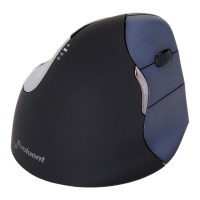
Vertical Mouse
Evoluent 4 Wireless


 To Next Page