80
5.2) Enter standby mode
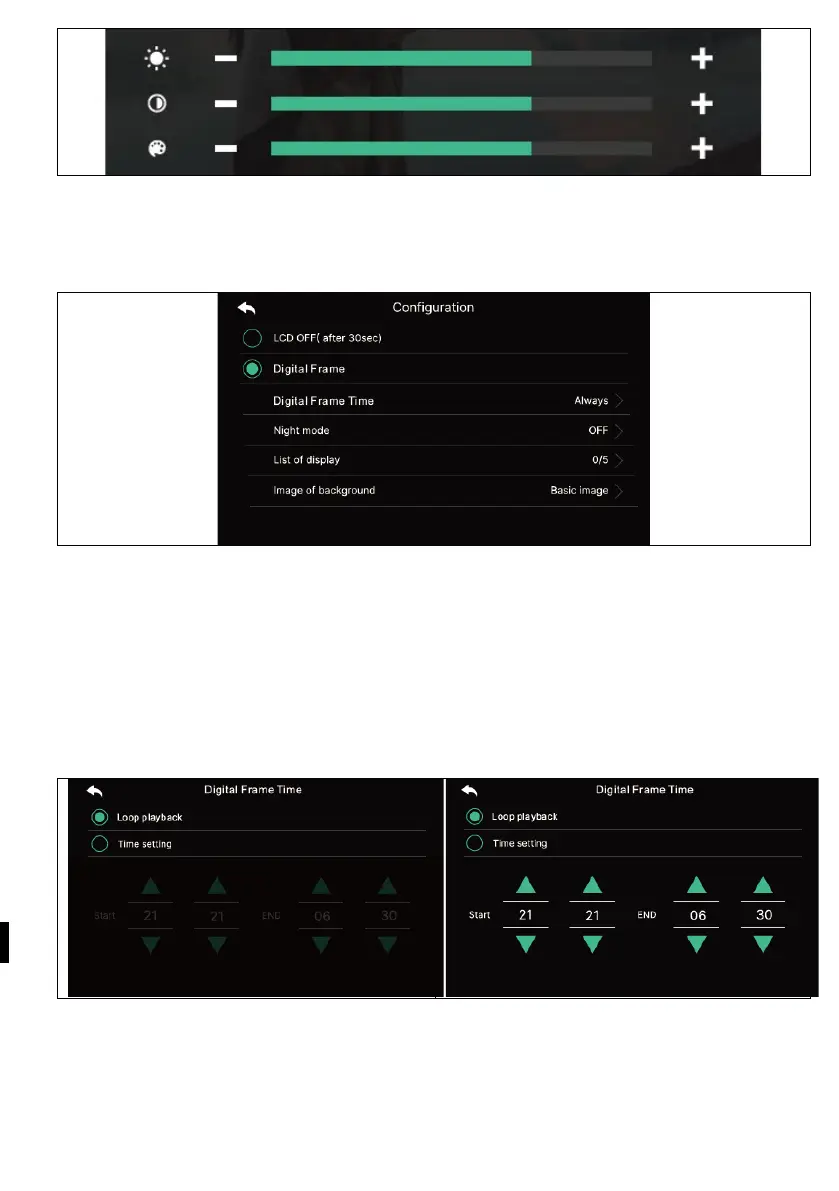
- Various standby modes can be set.
Switching off the LCD display (after 30 s): To set the screen to turn off when you go
into standby mode
(Activates 30 seconds after setting)
Photo frame: To enable Photo Frame mode when going into standby mode
Warning: If the motion detection function is activated, this function does not work.
- Digital image time: You can set the time to use the photo frame function.



 To Next Page