60
Other operations
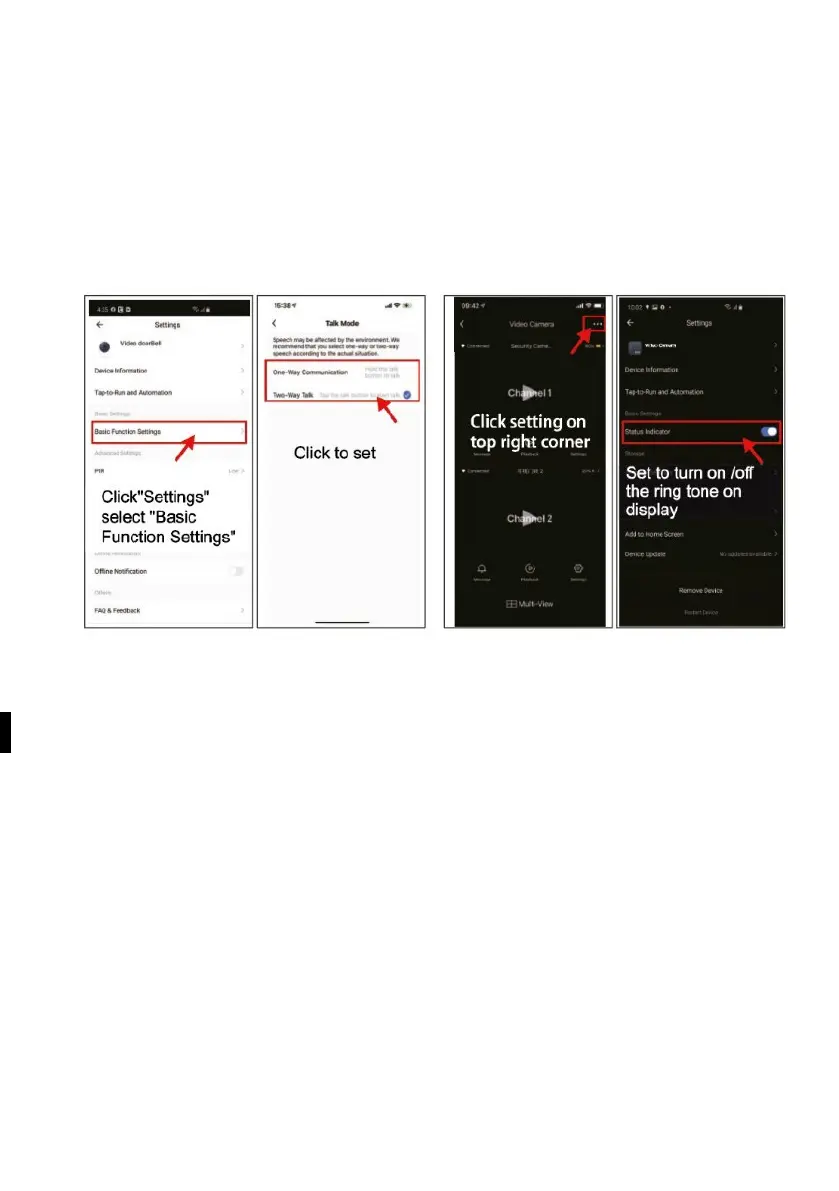
"Camera-Setting-Tone settings" can mute the microphone for the motion detection
function.
"Camera-setting-Power management setting", the button's LED ring opens under
"Camera-setting-Power management setting".
and when motion detection is active, the LED - the ring around the doorbell button
lights up, if you close it, the LED will only light up when the visitor presses the call
button.
S
etting the gateway audio for one-way communication with two wav files
When the outdoor camera detects movement using the PIR sensor, it sends a
message to
Tuya smartphone app and record a video. You can view the videos in the Monitor in
the playback menu. You can adjust the sensitivity of the PIR detector in the app.



 To Next Page