SF1000 / SF2200e Inverter Generator Owner’s Manual
Starting Generator
Starting Generator
Starting Generator
WARNING
Before starting generator, be sure to thoroughly read
all information provided in this Owner’s Manual.
NOTICE
It is very important to maintain the proper level of engine oil
to keep the engine in good running condition.
• Check engine oil level prior to each use.
IMPORTANT! BEFORE STARTING GENERATOR, FILL
WITH ENGINE OIL.
Starting generator with appliances connected can cause
permanent damage to appliances.
• NEVER start generator with electrical appliances
plugged in and turned on.
• Do not move the generator while it is running.
4.
Move the choke to the ON position.
NOTE:
Place the choke in the OFF position when the SF1000
has a warm engine.
5. Set the efficiency mode switch to the
OFF
position.
FIGURE 7: Efficiency
Mode
Swi
t
ch
6. Turn the fuel valve to the ON position.
OFF
FUEL
1. Fill the fuel tank and check oil is to appropriate level.
NOTE:
The generator starts more easily with a full fuel tank.
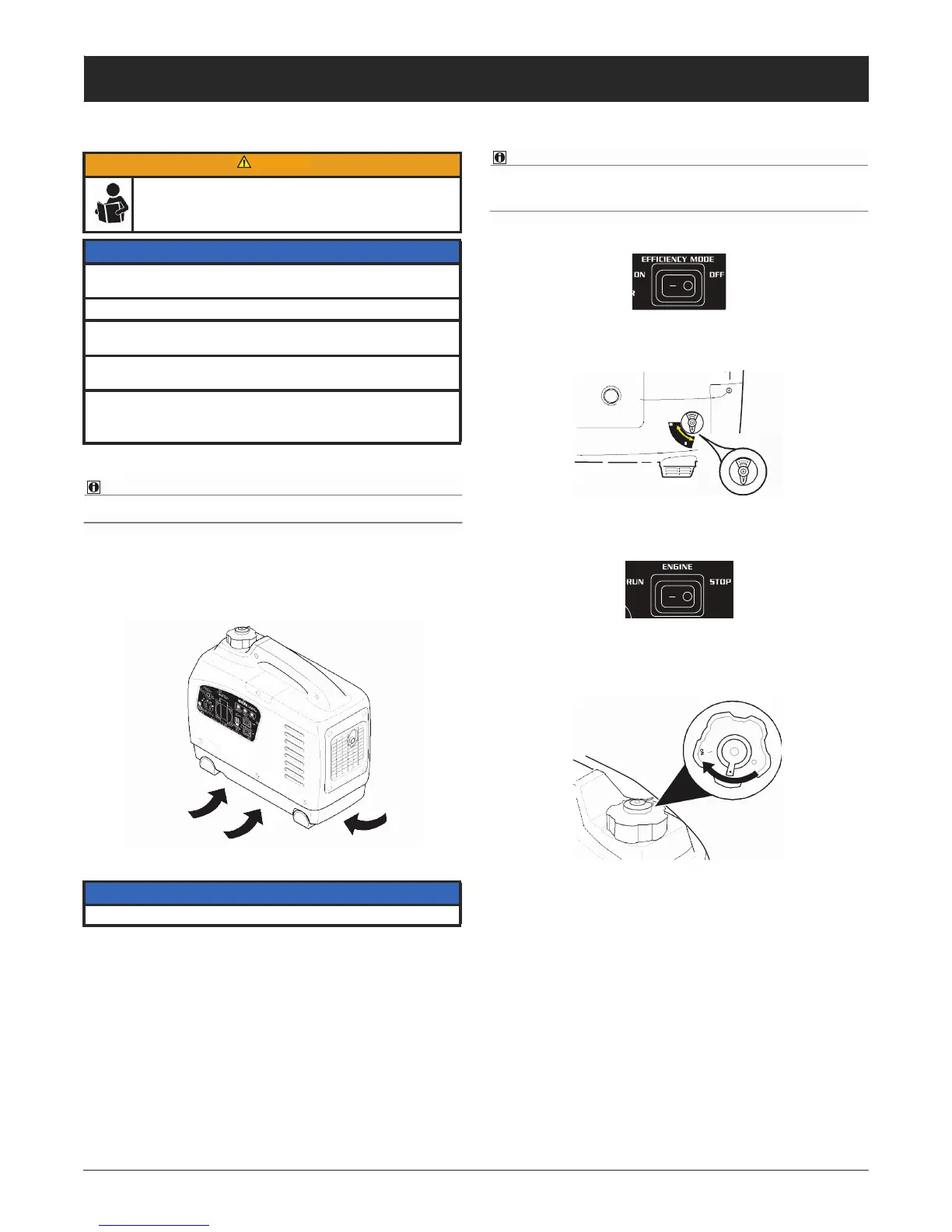
2. Place the generator outside on a flat surface free of
debris to prevent blocking the air intake vents in the
bottom of the generator.
ON
p/n 101592 A
ON
FIGURE 8: Fuel Valve —
ON
position
7. Press the engine control switch to the RUN position.
FIGURE 9: Engine Control Switch
8. SF1000 Model Only: Turn the fuel cap vent to the
ON
position.
FIGURE 6: Air Intake - DO NOT BLOCK
NOTICE
Blocking the air flow may cause damage to the generator.
3. Connect a ground wire to the generator (see “Ground-
ing the Generator” on page 6).
FIGURE 10: Fuel Cap Vent — ON position



 To Next Page