> Go to the Areas section to edit assigned areas for selected locking components.
Figure 141: Areas
> You can optionally also authorise locking components for other access control
systems. You can manage the corresponding authorisations in the "Authorisations"
section. Please refer to Working with several access control systems for more infor-
mation about authorisations.
Figure 142: Shares
> You can optionally enter a comment on a locking component in the Remarks section.
Figure 143: Editing locking components
As mentioned above, you can manage time zones and holiday calendar, access or logging
and repair options in the Settings tab.
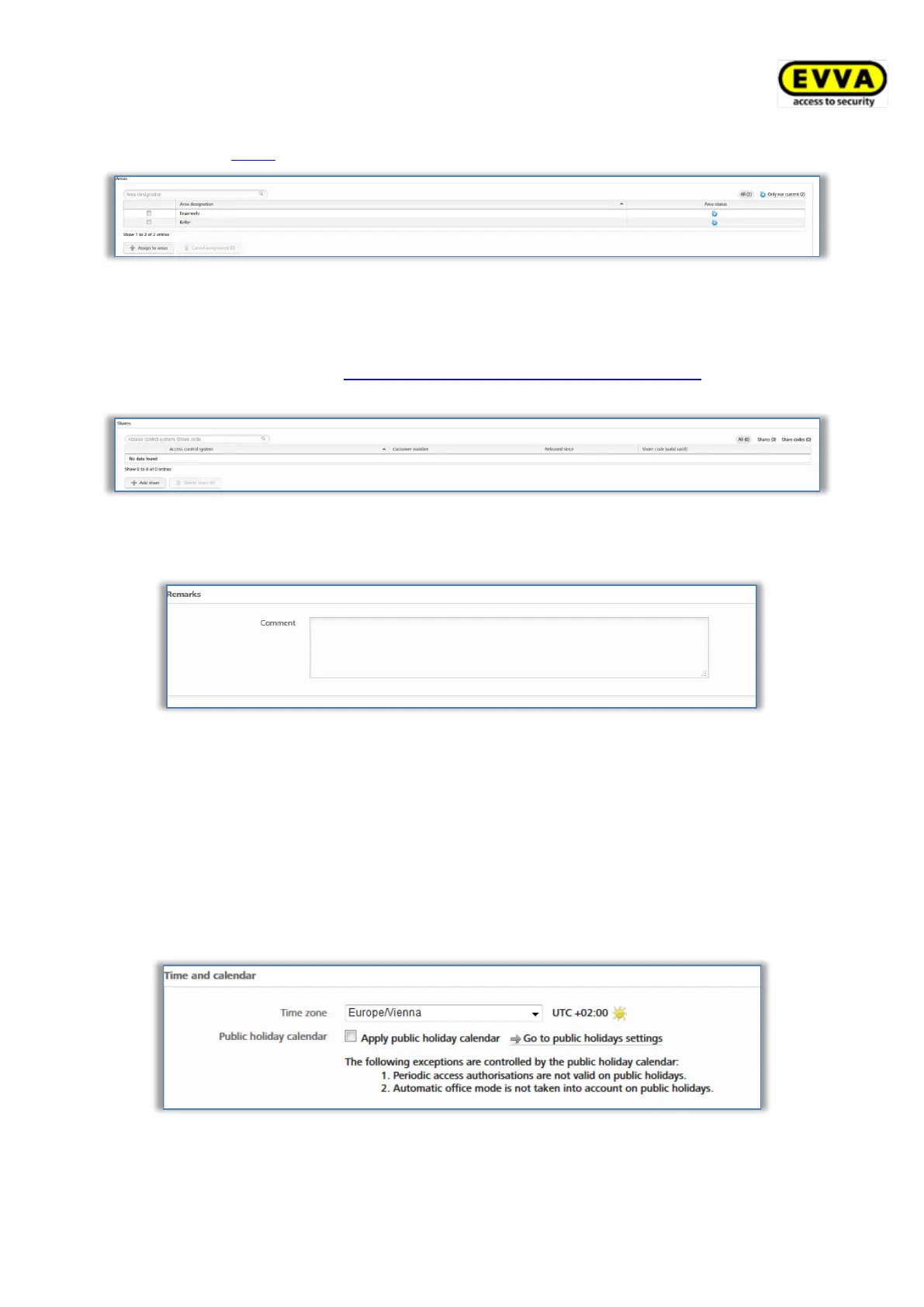
> If you use several time zones within a single access control system, you can assign
an individual time zone to each locking component. The default time zone is used as
standard.
> In this process, you can (de)activate the holiday calendar for each locking compo-
nent. There is a link to the holiday calendar in case you need to double-check on
some holiday settings.
Figure 144: Settings – time and calendar
> You can specify manual office mode for each locking component. Select a locking
component and you will have the option to specify automatic office mode.


 To Next Page
 Loading...