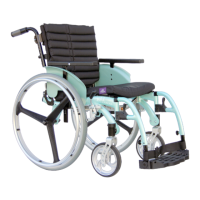
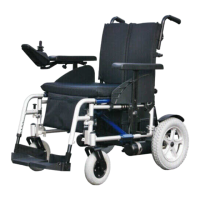
~ 16 ~
© 2013 VAN OS MEDICAL UK Ltd., Excel House, Escrick Business Park, Escrick,
York,YO19 6FD Tel. +44-(0)1904-720170, Fax +44-(0)1904-720398,
E-mail: sales@vanosmedical.com,
www.vanosmedical.com
5.6 Use of the rear wheel
Removing the rear wheel
The rear wheels of the wheelchair are removable by using the 'quick-release’ system:
Stand next to the wheelchair;
Tilt the wheelchair away from you;
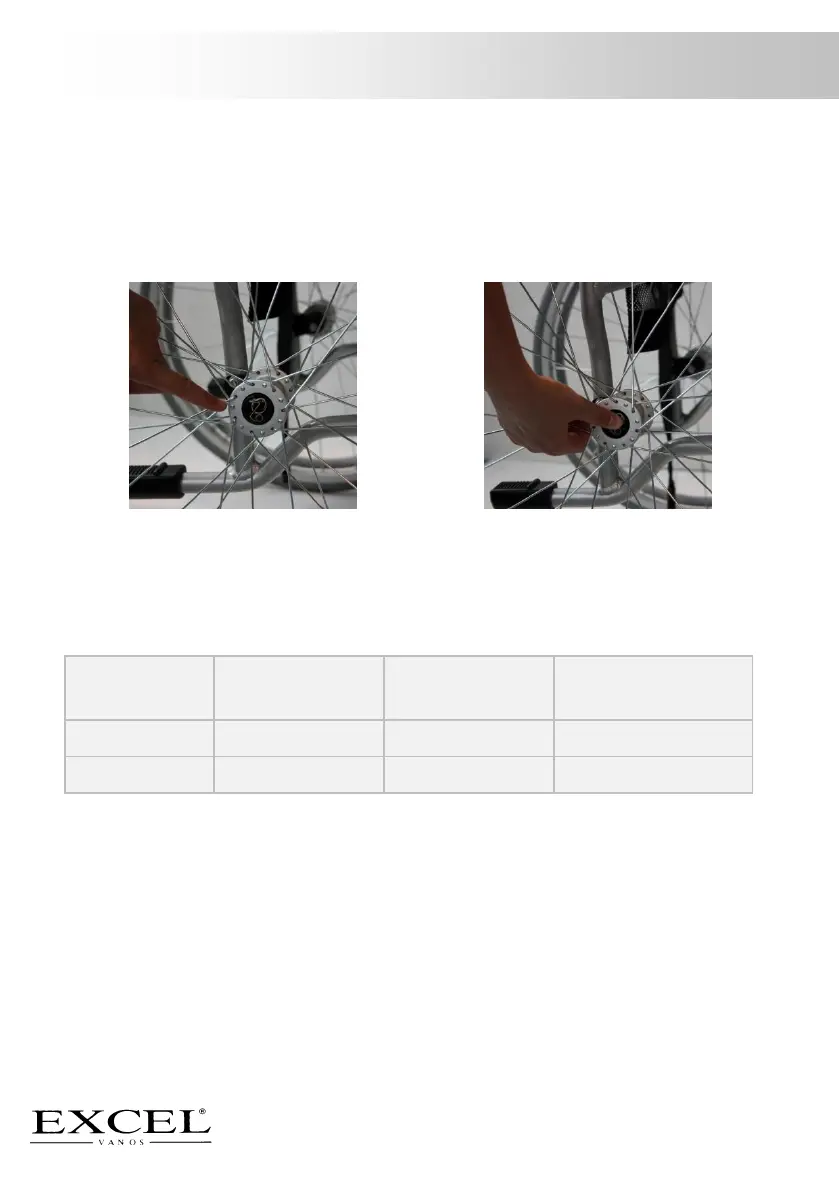
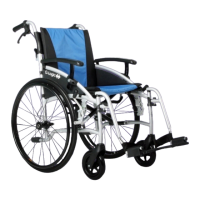
Press the black button in the middle of the rear wheel (picture 12 and 13) and
pull the rear wheel towards you.
To replace the rear wheel you should follow the above steps in reversed order. Check
if the wheels are correctly locked before using the wheelchair.
5.7 Tyres table



 To Next Page