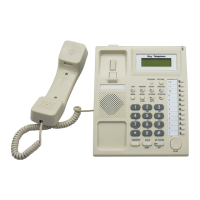
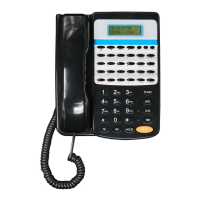
P11
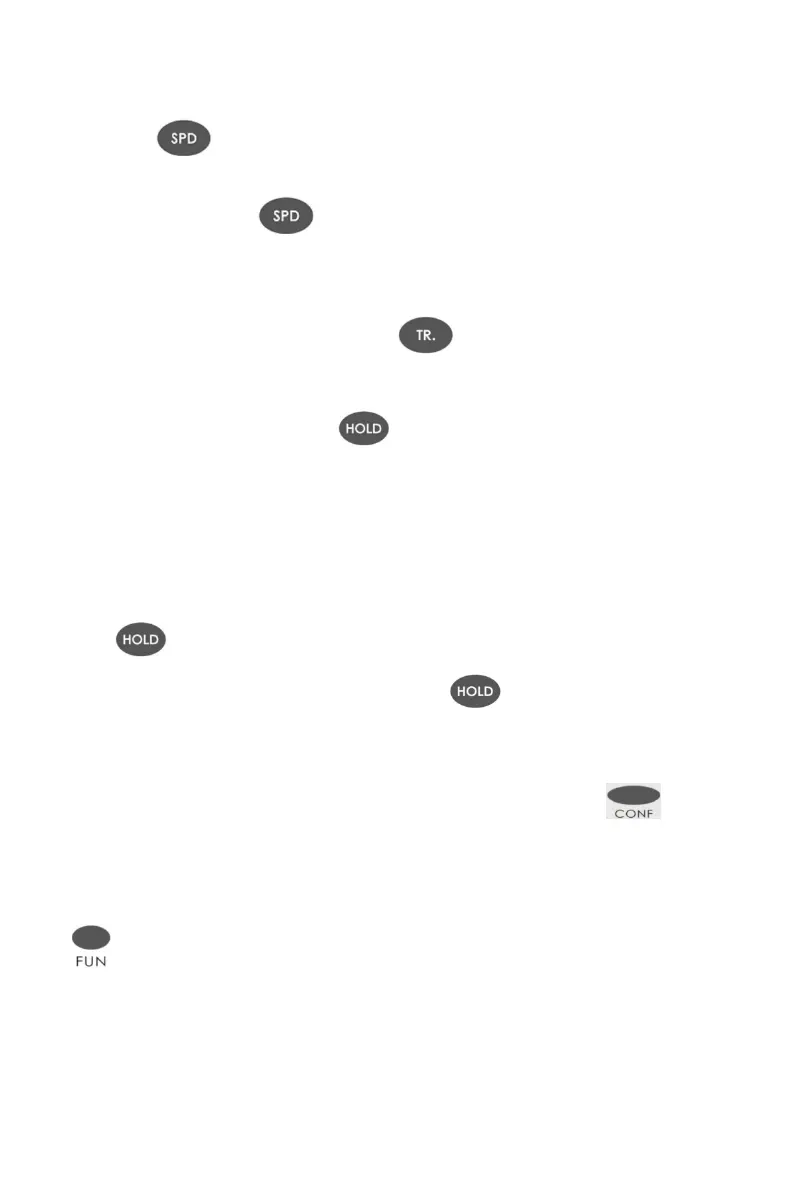
4) Speed Dial
①Press +the group number of speed dialing stored on key phone
(01-32)
②off hook + Press +the group number of speed dialing stored on the
PBX (01-96)
5) Call Transfer
When talking with CO line or Extension + + Ext.No or DSS key + on hook
6) Call Hold
During the conversation and dial key to hold the conversation.Then key
phone can enter intercom call status .
When hold the call from CO line , the CO LED will slow-flash .And when hold the
call from intercom, if key phone don’t hang up , the light of ICM key will be on .
7) Restore the holding call
Restore the holing call from CO.line : press the certain CO line key or press
press
Restore the holding call from extension : press directly
8) Multi-party Conference
During the conversation with CO line ,after press the
key ,system will enter in conference status.
9) Function Key(for PH202)
+ programming code
Function key means your dial *# . It works for the programming code
without enter programming status .
Eg. Setting the system time to 12:30:20 am


 To Next Page